Rummy Safety: Keep Notifications Away From Gameplay Screens
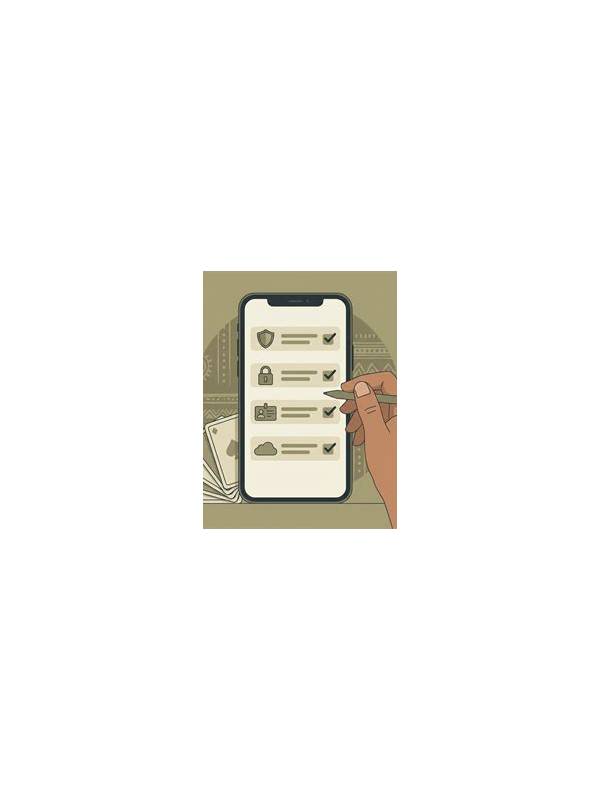
Why screen privacy matters
A gameplay screen can contain more than cards. Notifications may show names, message previews, one-time links, payment alerts, or account details. A casual screenshot or screen recording can then expose information that was never meant to be shared. Privacy is easier to protect before play begins than after a recording has circulated.
Review notification settings for the device you plan to use. Consider hiding previews on the lock screen and using a mode that silences nonessential alerts during a session. Do not assume that a game’s full-screen view blocks every banner; test the setup with a harmless notification if you need to know how the device behaves.
Separate play from communication
If you need to discuss a hand, avoid placing private conversations beside the gameplay window. Close unrelated tabs, remove personal documents from the recording area, and check which screen-sharing source is selected. A cropped image can still reveal an avatar, username, or notification badge, so inspect it before posting or sending it.
Use a clear file routine for recordings. Give files neutral names, store them in a private location, and delete unused clips when they are no longer needed. If a clip includes sensitive content, do not rely on trimming alone; verify the exported version and remove the original from shared folders and automatic backups where appropriate.
Respond to an exposure
If private information appears, stop sharing the screen or clip. Record what was visible, who may have received it, and whether any account or payment detail needs attention. Change exposed credentials through the official service if necessary, and be cautious of follow-up messages that use the leaked context to appear genuine. Never send a password or verification code in reply to an unexpected request.
Good privacy habits should be simple enough to repeat. Silence previews, inspect the sharing source, and review the final image before it leaves your device. These steps protect both your account and the people whose messages may otherwise appear beside an ordinary game.
Remember that privacy settings can change after an operating-system update or an app permission change. Recheck them when you begin using a new device, recording tool, or sharing platform. If other people appear in a clip or message preview, consider their privacy as well. A clean screen is not only a personal security measure; it is a respectful habit when practice happens around family, friends, or teammates.
Related Post
Rummy FAQ: What Is a Good Stopping Point for Analysis?
A useful analysis routine should end before it becomes slow, repetitive, or disconnected from the [...]
Rummy Comparison: Open and Closed Information
Understanding visible and hidden card information helps players make calmer decisions. [...]