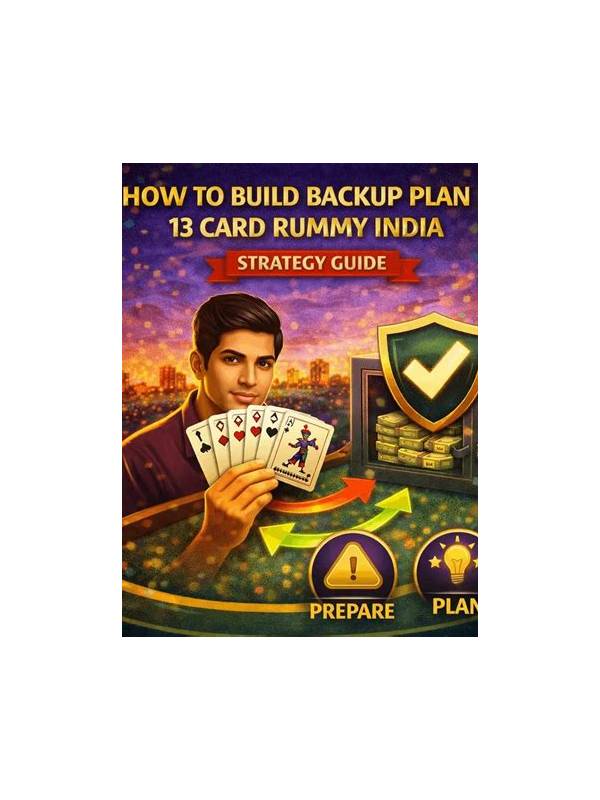
Rummy Safety: Manage Notifications During a Session
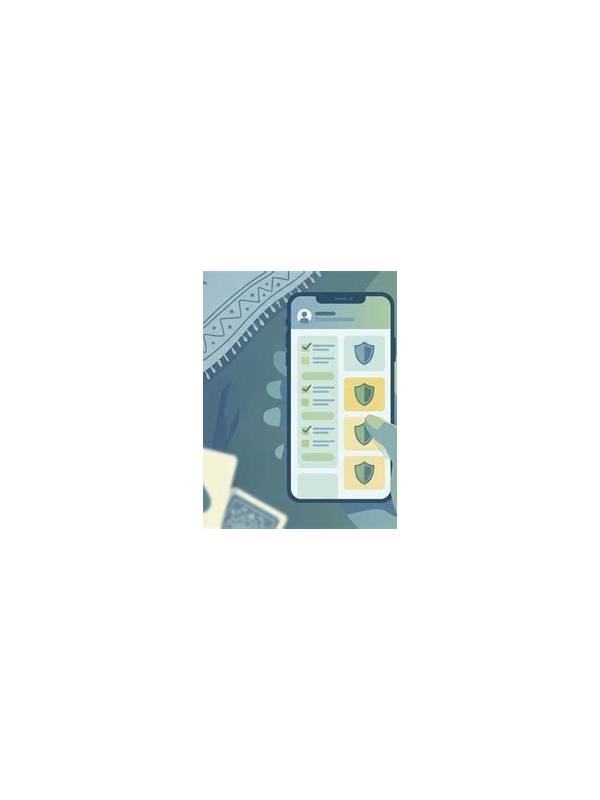
Notifications can interrupt a rummy turn at exactly the wrong moment. A message, promotion, or system alert may pull attention away from the cards and encourage an impulsive confirmation. Managing notifications before a session is a small safety measure for both decisions and privacy.
Use the device’s focus or do-not-disturb settings when appropriate, while allowing alerts you genuinely need, such as an emergency contact. Disable promotional pop-ups inside the app if the option exists. If an alert contains account, balance, or personal information, make sure it cannot appear on a shared or unlocked screen.
Treat promotional notifications with caution. A message that says an offer expires soon may be designed to create urgency. Do not add money, open an unfamiliar link, or provide account details because a notification demands immediate action. Close the session if necessary and verify the offer through the official app or support page reached independently.
Check permissions after installing or updating an app. A game should not automatically need access unrelated to its core function. Review notification access, contacts, storage, microphone, and location permissions in the device settings. Revoke access that is unnecessary, and investigate unexpected changes after an update.
If a notification appears while you are deciding, pause and verify the table state. Confirm whether the card was drawn, whether the discard was accepted, and whether the timer is still running. Avoid tapping repeatedly when the interface is slow. A screenshot can help you remember the state, but do not share screenshots containing usernames, balances, or private messages.
Use a separate review window for account notices. After the session, check legitimate transaction or security alerts calmly and through the official channel. Keep passwords and one-time codes out of screenshots and notes. No support representative should need your secret authentication information.
Good notification control does not guarantee a good result, but it removes an avoidable source of pressure. A quiet, private device makes it easier to follow a deliberate routine and stop when the session boundary arrives. Review notification history occasionally for unusual behavior. A sudden increase in alerts, repeated login prompts, or messages from unfamiliar senders may indicate a security problem rather than ordinary game activity. Do not investigate through links in the alert. Open the official settings directly, change access only through trusted controls, and contact verified support if the account appears compromised.
Attention is part of responsible play.
Quiet settings support deliberate choices.
Related Post
Rummy Practice Rotation: Train One Skill at a Time
Rotate focused rummy exercises so practice produces clearer feedback than unstructured repetition. [...]
Rummy Comparison: Fast Melds Versus Hidden Flexibility
Compare the immediate security of showing a meld with the private value of keeping a [...]