Rummy Safety: Review Permissions on a Rummy App
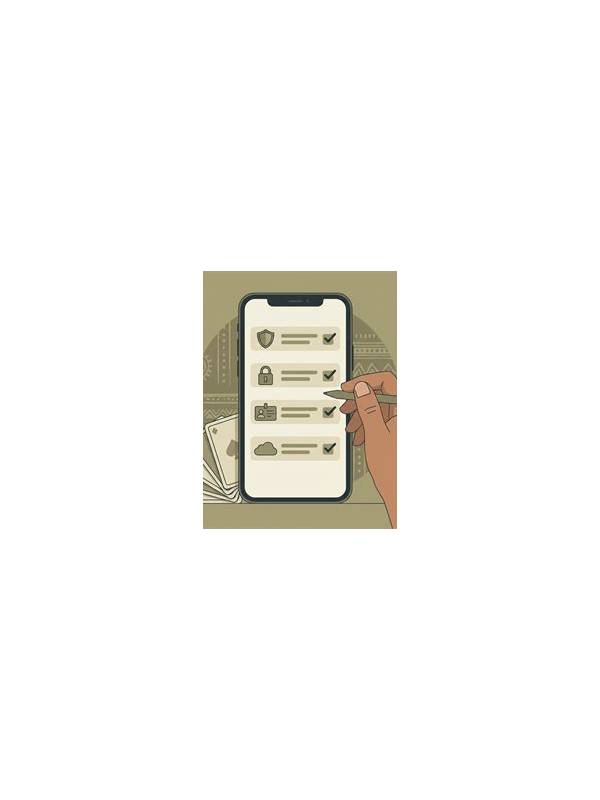
Before installing or using a mobile rummy app, take a moment to inspect the permissions it requests. A game may need network access to connect to tables, but not every request is equally necessary. Permission review does not prove that an app is safe, yet it is a useful layer in a broader safety routine that includes source verification, updates, and account protection.
Read each permission in plain language. Camera, microphone, contacts, precise location, and access to files can expose more information than a card game normally needs. Some features may have a legitimate explanation, such as optional support uploads or voice chat, but optional features should not be confused with core requirements. If the app works without a permission, consider leaving it disabled.
Use your phone’s settings rather than relying on a pop-up alone. Review permissions after installation and again after major updates, because app capabilities can change. Choose limited or one-time access where the operating system offers that option. If the app repeatedly asks for access that has no clear connection to the feature you want, pause and investigate before continuing.
Keep the account separate from unnecessary personal data. Avoid uploading identity documents through unofficial channels, and confirm that any verification request appears inside the trusted app or its documented support process. Never share passwords, one-time codes, or payment details in table chat. A permission check cannot protect information that a player voluntarily sends to an unknown person.
Also examine the app’s source and publisher. A familiar name is not enough; look for an official distribution route, consistent developer details, and a privacy policy that explains data use. Avoid modified installation packages from random file-sharing pages. If you are unsure, do not install until the source can be verified.
These checks take only a few minutes and can prevent avoidable exposure. Treat permissions as part of responsible digital play: grant the minimum access needed, review it periodically, and stop when an app’s requests do not match its stated purpose.
Use the same caution on shared devices. Log out when appropriate, lock the screen, and avoid saving sensitive information in screenshots or public folders. Keep the operating system and security tools updated, and download updates through the normal store or verified publisher route. Safety is strongest when small checks work together: a limited permission, a trusted source, a protected account, and a willingness to stop when something feels inconsistent.
Related Post

Rummy Sequence Length: When Short Groups Are Enough
Compare compact and extended sequences by legality, flexibility, and the cards they leave exposed. [...]
Rummy FAQ: Can a Good Discard Still Be Dangerous?
A discard can improve your own hand while also giving another player a useful visible [...]