Rummy Safety: Protect Your Account on a Shared Device
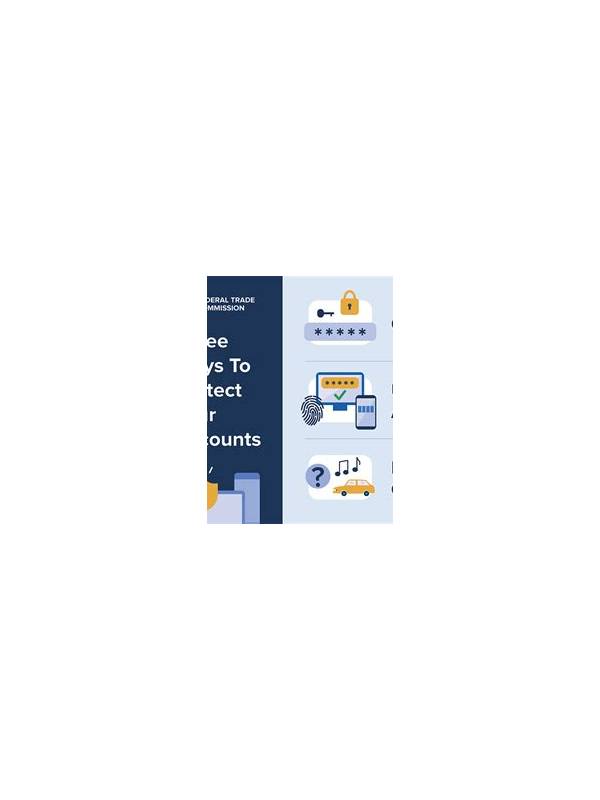
Using a shared phone, tablet, or computer requires extra care. Other people may see notifications, saved sessions, transaction screens, or personal details. Before signing in to a rummy service, decide whether the device can provide enough privacy for the activity.
Start with the operating system. Use your own screen lock and do not save passwords in a browser profile that others can open. Log out when finished, especially if the device is used by family, colleagues, or customers. A private browsing window can reduce leftover history, but it is not a substitute for logging out or securing the device.
Review notification behavior. Balance updates, verification messages, and promotional alerts may appear on a locked screen. Disable sensitive previews or use a device profile that does not expose them. Never leave a one-time code visible for another person to read, and do not ask anyone to forward authentication messages.
Check the app’s permissions and installed source before use. An app should not need unrelated access to contacts, microphones, or files for basic card play. If a download asks you to disable important security protections, pause and verify the source through an independent route. Avoid unknown links sent in chats or advertisements.
Payment safety deserves a separate check. Confirm the account name, amount, and destination before any transaction. Do not let another person operate your account for convenience, and keep records private. If you notice an unfamiliar login, transaction, or profile change, stop using the account and contact the service through its official support channel.
Finally, consider whether a shared device is appropriate at all. A personal, updated device with a separate user profile is safer and easier to audit. If you cannot keep credentials and financial information private, choose a practice mode or wait until you have a secure environment. Convenience should not require surrendering control of your account.
Be careful with support conversations as well. Use the service’s official help route and verify that you are communicating with the right organization before discussing account details. Never install remote-control software because someone in a message claims it is needed to unlock a balance. If the account cannot be secured promptly, stop transactions and preserve relevant notices for the provider’s investigation. Privacy is easier to protect before a problem occurs. Clear temporary files and close the session when you leave the device. These final seconds are easy to skip, yet they can prevent the next user from opening an active account.
Related Post

Rummy Guide: Measure Progress by Useful Cards, Not Draws
Tracking how many cards have useful roles gives a better picture of hand progress than [...]
Rummy FAQ: Should You Keep Two Pairs at Once?
Two pairs may offer options, but keeping both is useful only when their roles and [...]