Rummy Safety: Protect Your Device on Shared Networks
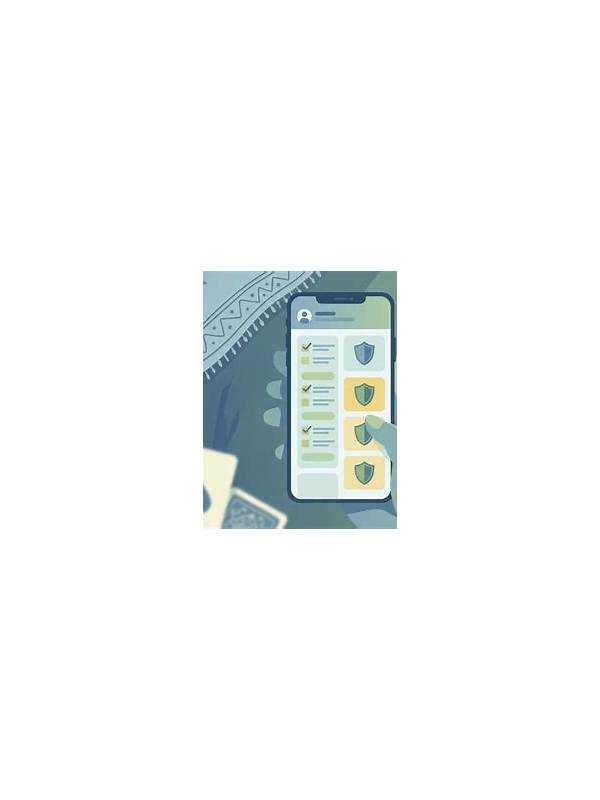
Playing on a shared network, such as public Wi-Fi, adds a reason to be cautious with account access. The network name alone does not prove that a connection is trustworthy. Use the official application or website, keep your device updated, and avoid entering sensitive information when the connection behaves unexpectedly.
Before joining a table, confirm that the device has current system and application updates. Updates often address security problems as well as visible features. Turn on a screen lock, and do not leave an active account open on a shared or borrowed device. If you must use another device, sign out completely and avoid saving passwords in the browser.
Check the address before signing in. Look for the correct domain and a secure connection indicator, but remember that a secure connection does not prove the site is legitimate. Start from a known bookmark or the official app store listing rather than an advertisement, message, or shortened link. Never install an unknown file merely because a pop-up claims it is required for play.
Avoid sensitive account work on an uncertain network. Do not change payment details, upload identity documents, or respond to support requests while connected to public Wi-Fi unless you have independently verified the service and connection. A personal hotspot or trusted network is preferable for account and payment tasks.
When finished, log out if the device is not yours, close the browser, and remove downloaded files that contain account information. Review active sessions later if the service provides that feature. If you notice unusual login alerts, change your password through the verified service and enable multi-factor authentication where available.
These steps do not guarantee security, but they lower common risks without interrupting ordinary play. Treat network safety as part of account hygiene: use official access points, keep software current, and pause whenever a prompt asks for more information than the activity reasonably requires. Be cautious with shared notifications as well. Message previews can expose account names or transaction details to people nearby. Use privacy settings that hide sensitive previews, and check that screen sharing or casting is turned off before signing in. These are small controls, but they reduce accidental exposure when a device is used in a public place.
Also avoid charging from unknown USB ports when possible. Carrying your own charger or power bank reduces reliance on unfamiliar equipment. If the device behaves strangely after using a public accessory, disconnect it, update the system, and review account activity from a trusted device before playing again.
Related Post

Rummy How-To: Use a Three-Question Discard Filter
A short discard filter helps turn a crowded hand into a repeatable decision process. [...]
Rummy Break Planning: When to Pause Between Games
Planned breaks can protect concentration and spending discipline during a long rummy session. [...]