Rummy Safety: Recognize a Fake Update Prompt
An update prompt can appear at a convenient moment, especially when an app is opened after a long break. It may be legitimate, but a message that pushes you to download from an unfamiliar site or enter credentials immediately deserves caution. Treat the prompt as an unverified claim until the normal update path confirms it.
Check where the message appears. A notice inside the official application store is different from a browser pop-up, an unsolicited chat, or a full-screen page that imitates a system dialog. Look at the app name and publisher without clicking unfamiliar links. Spelling errors, urgent threats, unusual payment requests, and requests to disable security features are warning signs.
Close the prompt if possible, then open the device’s official store directly. Search for the app rather than using a link from the message. Compare the installed publisher, version information, and update history. If the store shows no update, do not install a separate package merely because the prompt says access will be blocked.
Protect account information during the check. An update should not require you to send a password through chat or share a one-time code with support. Never enter credentials into a page reached from a suspicious message. If you already interacted with a questionable prompt, stop, close it, and review the device’s installed applications and account security settings using official tools.
Keep backups of important records and maintain ordinary device updates. Avoid downloading modified packages or “faster” versions from random mirrors. A legitimate maintenance issue can be reported through the platform’s verified support channel, but support should not need your password or remote access to prove who you are.
The safest habit is simple: update through a trusted channel, verify the publisher, and pause when urgency replaces explanation. Game continuity is never a good reason to bypass device security. If an app cannot clearly explain an update through its normal distribution path, leave the session and investigate before continuing.
Also be cautious with prompts that ask you to install a “security certificate,” remote-control tool, or keyboard extension. Those requests are unrelated to an ordinary game update and should be treated as a separate security incident. If you downloaded a file but did not open it, delete it through the device’s normal file manager and run the platform’s ordinary security check. If you opened it or entered account details, change the affected password through the official service and review active sessions. Do not use the suspicious message itself to find recovery instructions.
Related Post
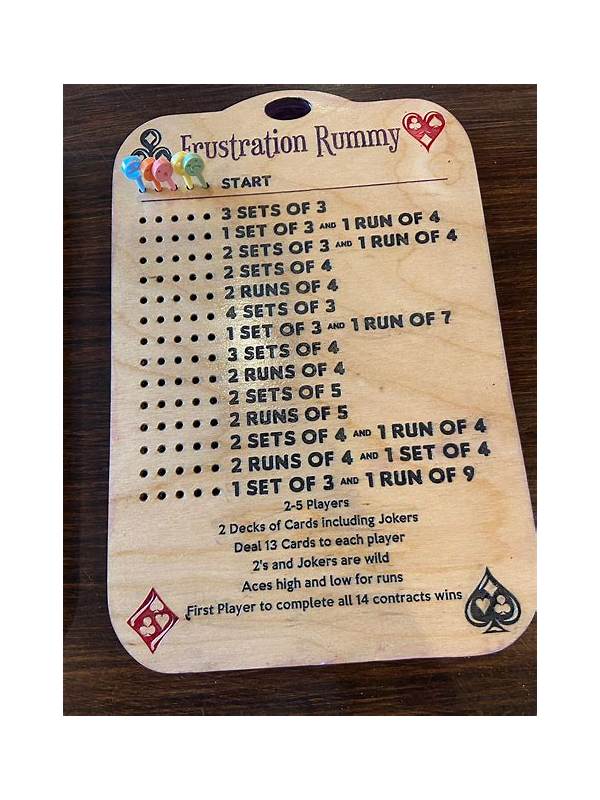
Rummy Guide: Use a Route Map for Connected Cards
A route map shows how connected cards can develop and when a narrow arrangement should [...]
Rummy Comparison: Draw From the Deck or Take the Visible Card?
The best draw choice depends on immediate improvement, information revealed, and the flexibility you retain. [...]