Rummy Safety: Recognize a Suspicious Download Prompt
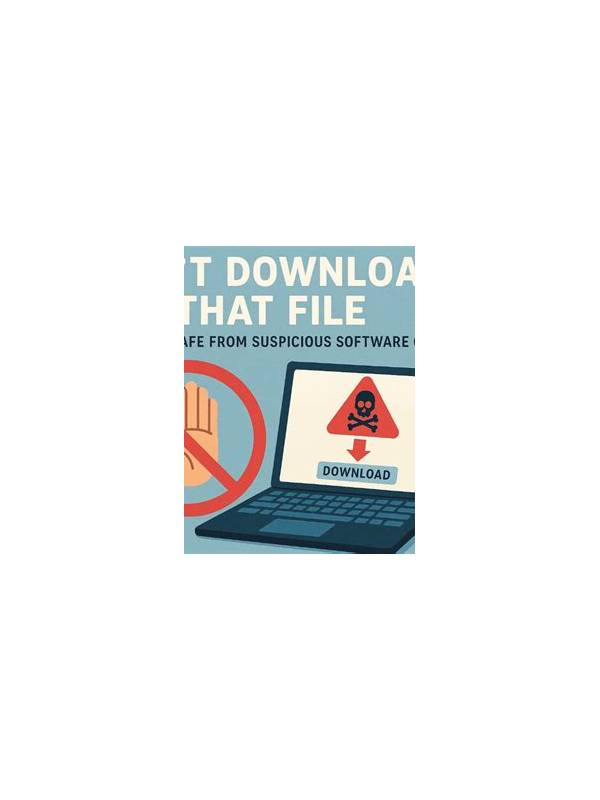
A download prompt deserves attention whenever an app is offered outside a trusted store or official channel. A familiar game name does not prove that the file is genuine. Fraudulent pages can copy logos, use urgent language, and promise bonuses to persuade people to install quickly.
Start with the source. Check the exact domain, spelling, connection indicator, and whether the page clearly identifies the publisher. A shortened link, a chain of unexpected redirects, or a page filled with unrelated advertisements should lower your confidence. Do not assume that a search result is official merely because it appears near the top.
Read the request before accepting it. A game should not need access that is unrelated to its function. Be especially cautious if an installer asks you to disable security protections, grant accessibility control, read private messages, or provide financial credentials. A request for a one-time code or account password is a strong reason to stop. Never enter sensitive information into a page reached through an unsolicited prompt.
Verify the file itself when your device provides a publisher, certificate, version, or checksum. Those details are not a complete guarantee, but a mismatch or missing identity is useful warning evidence. Keep your operating system and security tools updated, and scan downloaded files where that option is available. If the official channel is unclear, do not “test” an uncertain file on your primary device.
Treat urgency as a warning sign. Claims such as “install now or lose your account” encourage people to bypass normal checks. Close the page and independently open the known official site or store instead. If you already installed a suspicious package, disconnect it from sensitive accounts, uninstall it, run a security scan, and change passwords from a clean device if you entered them.
Safe play begins before the first hand. Use a unique password, enable available account protection, and keep deposits or payments within verified interfaces. No bonus, update, or invitation is worth ignoring a suspicious prompt. When in doubt, pause and verify through an official support route that you found independently.
Be cautious with files shared through group chats, comments, or private messages. The sender may be mistaken, impersonated, or using a compromised account. Do not forward an unverified installer to someone else. If you need help, describe warning signs without exposing account details, and use the platform’s official reporting process. Security tools can reduce risk, but they cannot replace judgment about where a file came from. A slow, independent verification is usually cheaper than recovering an account or device after an unsafe installation.
Related Post

Rummy FAQ: When Is a Pair Better Than a Single Card?
A pair earns its place when its connections and timing outweigh the space it occupies [...]
Rummy Safety: Review App Access After Installation
Reviewing an app's requested permissions is a practical step before installing any rummy software on [...]