Rummy Safety: Recognize a Suspicious Login Prompt
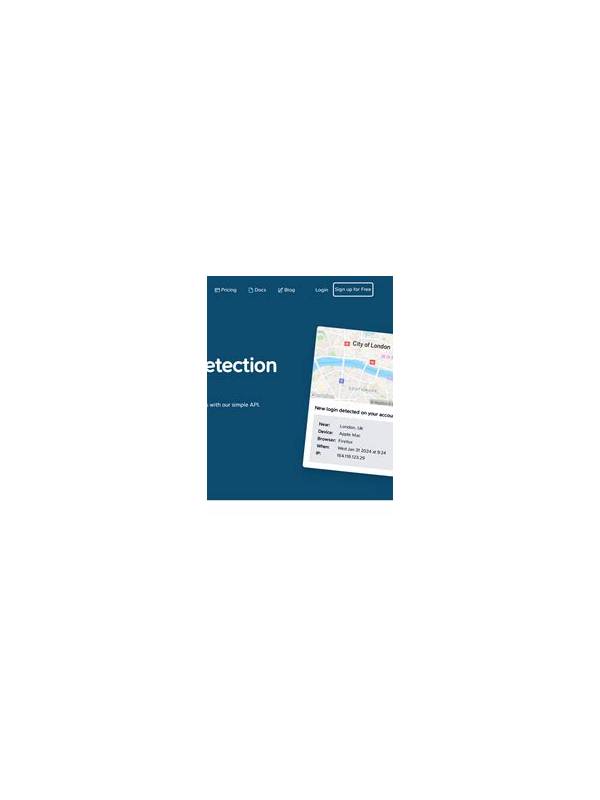
Online card players may encounter login prompts that look familiar but arrive at the wrong time. A message claiming that a table will close unless you sign in immediately, or a pop-up asking for a password after an unexpected redirect, should be treated cautiously. The visual appearance of a prompt is not proof that it belongs to the service you intended to use.
Start with context. Did you deliberately open the site or app, or did the prompt appear after clicking a message, advertisement, or bonus link? Did the address change unexpectedly? A legitimate security check can happen, but urgency and surprise together are reasons to stop and verify. Do not let a countdown or warning pressure you into typing credentials.
Check the page through a safe route. Close the prompt and open the service using a bookmark or a manually entered address you already trust. Avoid copying links from the suspicious message. If the normal account area shows no alert, the earlier request may have been deceptive. You can also consult the service’s official help channel using contact information already stored in the app or on a known website.
Never share a password, one-time code, recovery phrase, or payment detail in a chat window or with a person claiming to be support. Real support processes vary, but a request for a secret should always be verified independently. If you use a password manager, allow it to fill only on the exact domain you recognize; a manager refusing to fill is useful information, not an inconvenience to override.
If you entered information into a suspicious prompt, act promptly. Change the affected password from a trusted device, sign out other sessions if the account offers that option, and enable multi-factor authentication. Review recent activity and payment records. If a code or financial detail was exposed, contact the relevant provider through its official channel. Keep notes of times and messages so that support can understand what happened.
Safe play includes safe sign-in habits. Pause when a prompt is unexpected, verify through an independent route, and treat secrecy plus urgency as a warning combination. A few extra seconds can protect an account that took much longer to build. For shared devices, finish by signing out when appropriate and avoid saving credentials in an unfamiliar browser. Keep operating systems and browsers updated, since security fixes matter even when a prompt appears legitimate. If a site repeatedly produces unexpected redirects, stop using it until you can verify the address and report the behavior. Caution is not an accusation against every login request; it is a way to make sure the request comes from the service you chose.
Related Post

Rummy Guide: Set an Endgame Threshold for Loose Cards
An endgame threshold tells you when to stop exploring and prioritize a realistic completion route. [...]
Rummy Safety FAQ: What Should You Do After a Suspicious Message?
A cautious response to an unexpected game-related message can protect account access and personal information. [...]