Rummy Safety: Keep Screenshots Free of Account Details
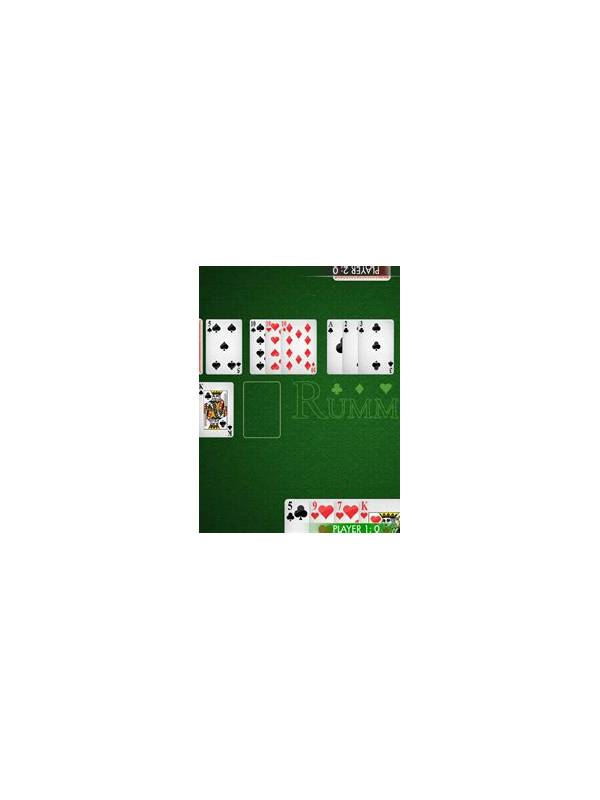
Screenshots can help explain a rule question or technical problem, but they may also reveal more than intended. Account names, balances, transaction references, notification previews, and verification messages can appear at the edges of a game screen. Before sharing an image, inspect the entire frame rather than focusing only on the card layout.
Crop the screenshot to the smallest area needed for the question. If support needs an error message, a cropped error is safer than a full account page. If someone is reviewing a hand, hide usernames, profile images, balances, and chat messages. Use an opaque mark or crop; a transparent blur can sometimes leave text readable.
Check the image for one-time codes, email addresses, phone numbers, payment references, and QR codes. Do not share credentials or authentication messages as part of a troubleshooting request. If a code is visible, delete the image and create a new screenshot after the message is gone. Avoid relying on a caption to explain that the information should be ignored.
Review the destination as well. A private support channel is different from a public post or a group with unknown members. Confirm who can access the image and whether the platform stores uploads. When possible, describe the problem in text and attach only the minimum evidence needed.
Keep original screenshots in a private location and remove unnecessary copies from shared folders or chat threads. If you need to retain a record, name it without including account identifiers. This is especially important on shared devices where photo galleries and automatic backups may be visible to others.
A simple pre-share check works well: crop, inspect edges, look for secrets, confirm the audience, and then send. Privacy protection should be part of the troubleshooting routine, not an extra step after an image has already circulated.
If support needs more context, provide it in stages. Start with a cropped, non-sensitive view and describe the device or error generally. Only add another image when the first cannot answer the question. This staged approach limits exposure and makes the actual problem easier to identify. Privacy and useful troubleshooting can work together when evidence is deliberately minimized.
When in doubt, leave the image unsent and explain the issue without it. You can always create a safer screenshot later.
Related Post
Rummy Safety: Make a Quiet Exit From a Frustrating Session
A calm exit routine helps end a frustrating rummy session before emotion turns ordinary decisions [...]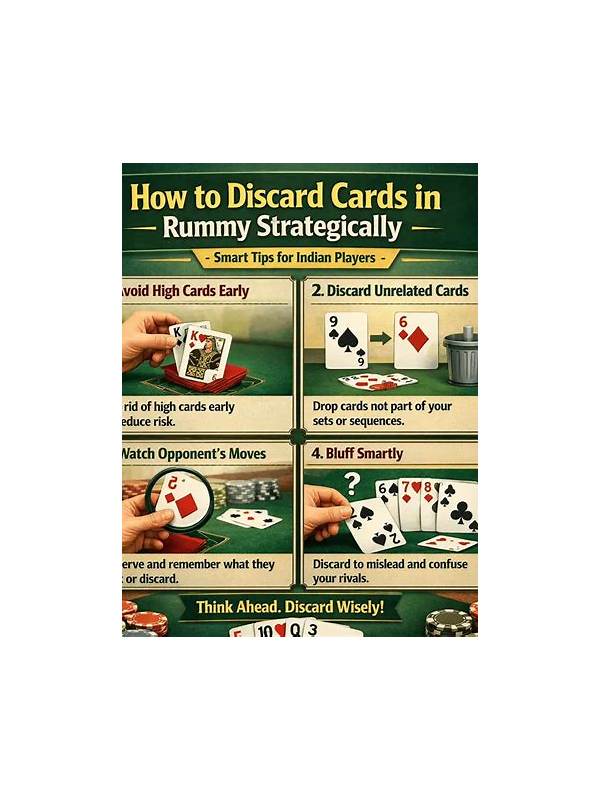
Rummy Guide: Judge a Discard by What It Unlocks
A discard can be evaluated by the options it removes and the options it creates [...]