Rummy Safety: Secure a Session on a Borrowed Phone
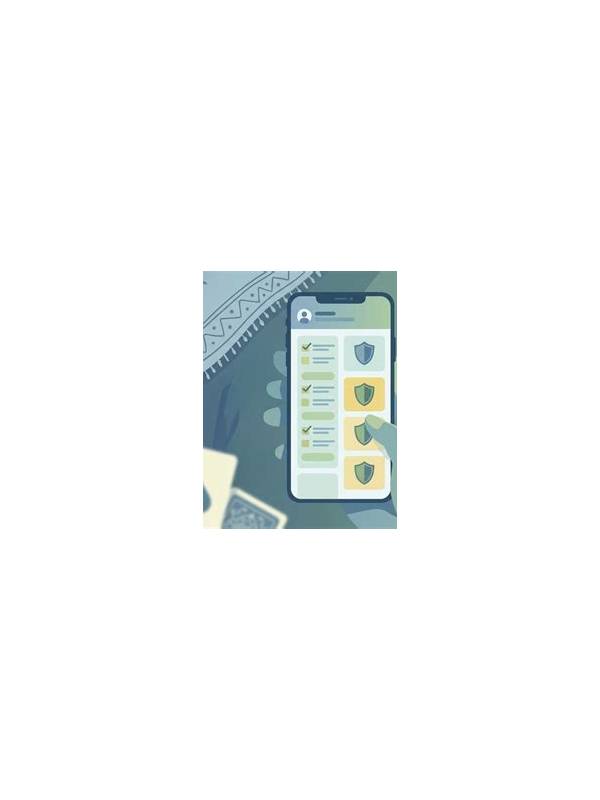
Shared devices create risks that have nothing to do with card strategy. A family tablet, public computer, or borrowed phone may retain sessions, notifications, downloads, or browser data. Protecting an account starts with treating the device as part of the safety decision.
Use only the official application or a verified website. Check the address carefully before entering account information, and avoid links delivered through unexpected messages. If an installation file is offered outside a trusted source, pause and verify the publisher, permissions, and current security guidance. Never disable device protections simply to make an installation work.
Before signing in, confirm that the device has a screen lock and current operating-system updates. Do not save passwords in a browser or password manager that other users can open. If the device offers separate user profiles, use one that is protected by your own lock method. Avoid copying account codes into shared notes or messaging threads.
Notifications can expose balances, verification messages, or private details. Turn off sensitive previews on the lock screen. When finished, sign out if the device is shared, close the browser window, and remove temporary downloads. Do not assume closing an app is the same as ending a session; check the account menu for a clear logout option.
Review active sessions and security settings periodically. If a service offers two-step verification, enable it through the official settings page and keep recovery options private. If you suspect that someone accessed the account, change the password from a trusted device, end other sessions, and contact official support using a verified channel.
Financial safety is part of account safety. Never share a one-time code, remote-access request, or payment confirmation with another person. Set spending limits and avoid using a shared payment method without permission. These steps take only a few minutes, but they reduce the chance that a convenience device becomes an account problem.
If you are playing in a public place, look around before displaying account or payment information. Do not let another person photograph the screen, and avoid leaving the device unattended while signed in. When lending the device, finish the session first. A small amount of caution is easier than trying to reconstruct who may have accessed an account later.
Prefer a trusted personal device for any account recovery or payment change. If that is impossible, finish those actions, sign out, and clear access before returning the device. Security habits are strongest when they cover the entire session, including the moments before login and after the final hand.
Related Post
Rummy Practice With Constraints: Improve One Skill at a Time
Small practice constraints make it easier to identify which rummy decisions need work. [...]
Rummy FAQ: What Is a Route Bottleneck?
A route bottleneck is the narrow requirement that limits an otherwise promising rummy plan. [...]