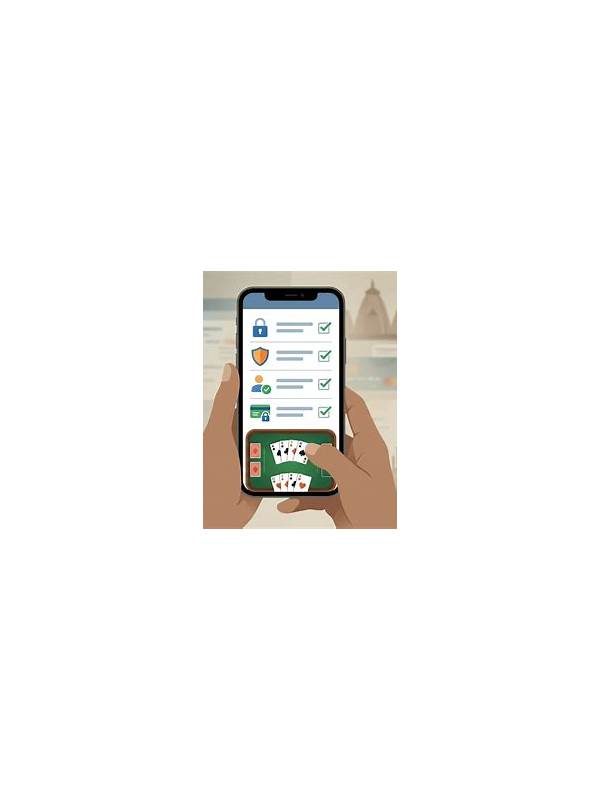
Rummy Safety: Keep a Shared Device Session From Staying Signed In
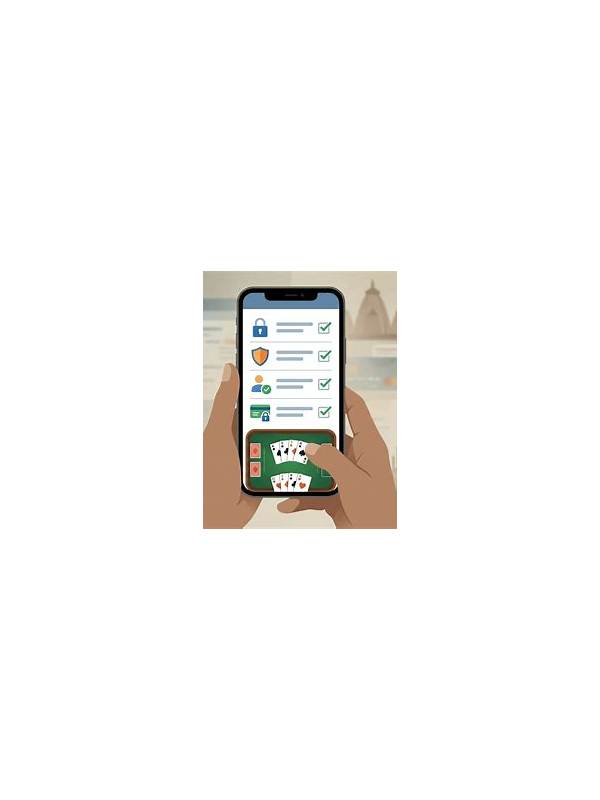
Shared phones, family tablets, and public computers create a different safety problem from ordinary play. Even when the game itself is trustworthy, a session left open can expose account details, messages, payment screens, or personal notifications to the next person. Signing out is useful, but a complete exit routine should cover more than one button.
Before using a shared device, check whether the browser or app can save login details. Decline automatic password saving unless the device profile belongs only to you. Do not enable “remember me” on a device that other people can unlock. If the platform offers a separate guest or temporary mode, consider using it, provided it supports the rules and features you need.
At the end of play, finish or cancel any pending action before closing the table. A screen that appears idle may still contain a confirmation dialog or transaction step. Return to the account page and use the platform’s sign-out control. Closing a tab or swiping away an app is not always enough, especially when the device restores previous screens.
After signing out, inspect the device briefly. Remove downloaded screenshots, clear copied account numbers from the clipboard if the operating system allows it, and close notifications that contain private information. Do not delete other people’s files or browser data without permission. On a shared computer, use the browser’s private mode only as an additional layer, not as a substitute for signing out.
Account recovery deserves attention as well. Keep recovery information private, avoid sending one-time codes through table chat, and never ask another user to log in for you. If the device supports multiple profiles, use your own profile and lock it when finished. If you suspect that credentials were saved or exposed, change the password from a trusted device and review active sessions through the official account settings.
Make the routine short enough to repeat: resolve, sign out, close, inspect, and lock. A consistent sequence is more reliable than relying on memory after a long session. These steps do not guarantee perfect privacy, but they greatly reduce the chance that the next user inherits access to your account.
If you regularly use a shared device, place the exit routine beside your normal charging or storage habit. Repetition makes it less likely that an unexpected interruption leaves the account exposed. Privacy is strongest when the safe action is simple and automatic.
Related Post
Rummy Tips: Keep a Neutral Note After a Loss
A factual post-game note can turn a frustrating result into one manageable practice lesson. [...]
Rummy Session Debrief: Compare Decisions at Equal Information
Reviewing decisions at the moment they were made gives a fairer lesson than judging every [...]