Rummy Account Recovery: Prepare Before You Lose Device Access
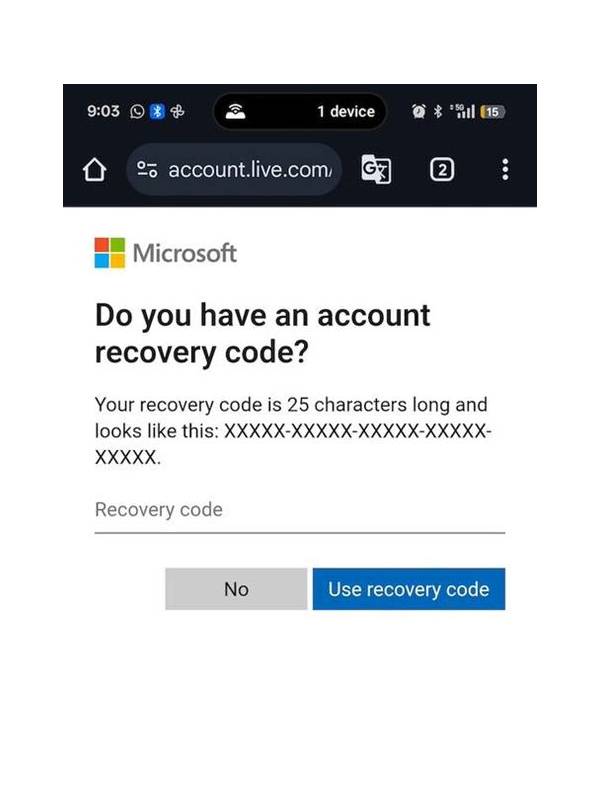
Account recovery is easiest to manage before a phone is lost, replaced, or damaged. A few preventive checks can protect access without requiring you to store sensitive information in unsafe places.
Confirm that the account uses a current email address or phone number that you control. Check the recovery settings inside the official app or website, not through a link sent in chat. If the platform supports a recovery method you do not recognize, review it and remove it through the verified account settings.
Use a unique, strong password and store it in a reputable password manager. Do not reuse the rummy password for email, payments, or social accounts. Never send the password, recovery code, or one-time code to another person, including someone claiming to be support.
Enable multi-factor authentication if the platform offers it. Keep backup codes in a secure offline location or password manager. Do not take a screenshot that automatically syncs to a shared photo account. If you use an authenticator app, understand how it will transfer when changing phones.
Record only safe account identifiers for support, such as a username or customer number. Do not keep payment credentials, identity documents, or full verification details in an ordinary note. If a support case needs proof, submit it through the official support workflow and check the site address carefully.
Before replacing a phone, sign out of the old device where possible and remove saved sessions from the account security page. Use the phone maker’s lost-device tools to lock or erase the device if it is missing. Contact your mobile carrier promptly if the phone number or SIM could be misused.
If recovery becomes necessary, use the app’s official “forgot password” or account-help route. Expect support to verify ownership, but be suspicious of any request for a password, remote-control software, or an urgent payment. Keep a record of case numbers without publishing them publicly.
After regaining access, review active sessions, devices, profile changes, wallet activity, and payment history. Change the password if anything looks unfamiliar and report unauthorized activity immediately. Account recovery is not a reason to continue playing; resolve security concerns first.
Preparation turns a stressful loss into a checklist. Keep contact details current, protect authentication factors, and use only verified recovery channels.
Related Post

Rummy FAQ: Why Does the Discard Pile Change Your Plan?
The discard pile is both a source of cards and a record of visible choices, [...]
Rummy FAQ: When Is It Worth Breaking a Temporary Pair?
A pair is valuable only when its future uses outweigh the flexibility and penalty gained [...]