Rummy Safety Guide: Review App Permissions Before Playing
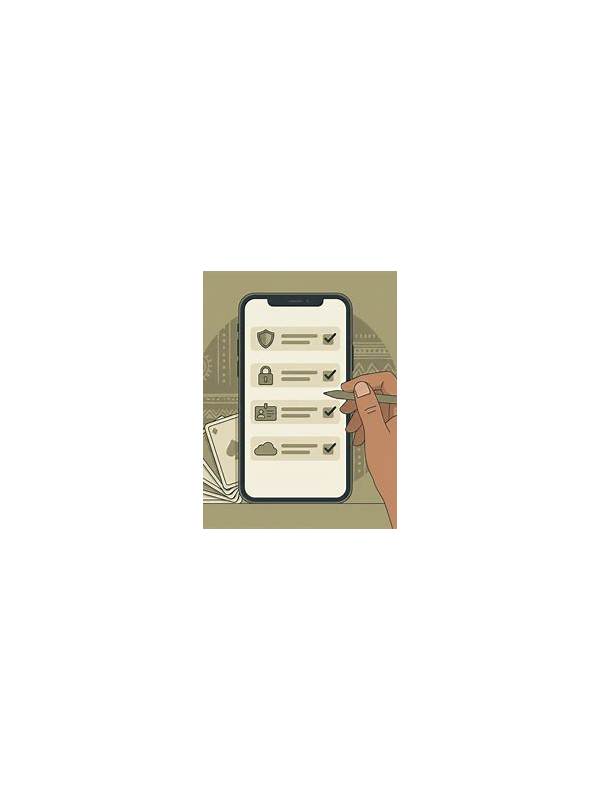
An app can provide a smooth table experience and still request access that has nothing to do with playing cards. Reviewing permissions before signing in helps protect your device and account. This check is especially important when an app is installed outside an established store or arrives through an unfamiliar link.
Start with the download source. Use the publisher’s official channel and compare the app name, developer information, and version details. Avoid copies with similar branding, urgent installation messages, or promises that require disabling normal device protections. If the source cannot be verified, stop before entering personal information.
Open the device permission page and read each request. Notifications may be useful for turn reminders, but access to contacts, microphone, location, or files deserves a specific explanation. A permission that is unrelated to the game should remain disabled unless you understand why it is requested and trust the publisher.
Check privacy and account settings as well. Use a unique password, enable available sign-in protection, and review whether payment methods or saved information can be removed. Do not reuse a banking password for a game account. Keep the device operating system and security tools updated through their normal settings.
If a permission prompt appears during a pressured moment, decline it and review it later. A legitimate session should not require you to reveal a one-time code, recovery phrase, or full payment credentials in a chat window. When in doubt, close the prompt and use the official help page reached from the verified app or site.
A permission review takes little time and gives you a clear stopping point. Safe play includes the device, account, and information around the table, not only the decisions inside the hand.
Review permissions again after major updates, because an update may introduce a new request or reset a setting. If an app behaves differently after installation, pause and verify the publisher and version through an independent official channel. Do not let a bonus, deadline, or warning push you past a safety check. A trustworthy service can explain its requests without demanding secrecy or urgency.
Use the same caution with browser notifications and downloaded files. A notice that imitates a system warning may be an advertisement or a phishing attempt. Close it, open the trusted settings page yourself, and continue only after the source is clear. Small habits like this protect attention as well as data.
Related Post

Rummy FAQ: Why Can a Safe-Looking Card Be Risky?
A card that appears harmless can still be risky when it improves an opponent’s likely [...]
Rummy How-To: Review an Unfinished Hand Objectively
Reviewing an unfinished rummy hand by decision points reveals useful lessons without blaming unlucky outcomes. [...]