Rummy Safety Guide for Shared Devices
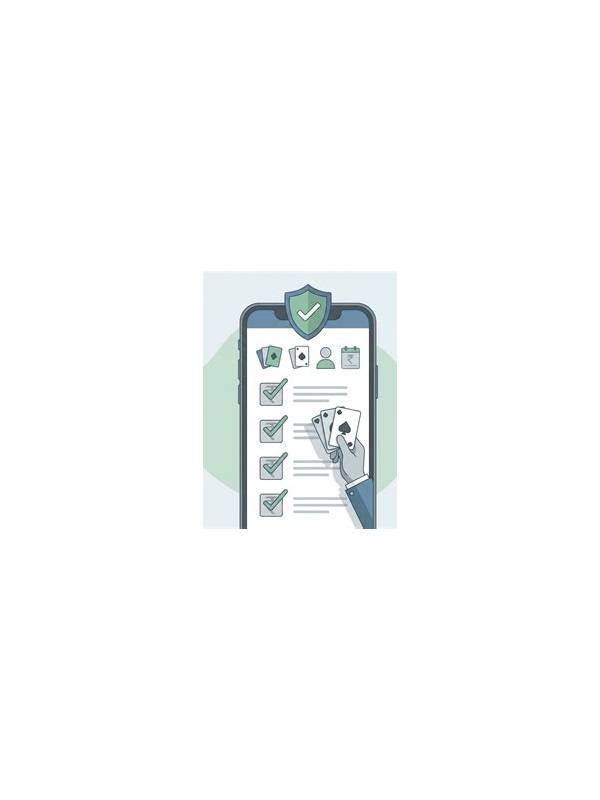
Make the checklist routine after updates as well as after installation. An update can change notification behavior, permissions, or the location of account controls. Review privacy settings instead of assuming the previous choices remain unchanged. If the shared device is managed by someone else, use a personal device for account activity when possible. Otherwise, keep sessions brief, lock the screen whenever you step away, and avoid entering sensitive details while another person is watching.
Shared phones and family tablets create a different safety environment from a personal device. A rummy player may finish a session and assume the account is private, while another person can still open the app, view notifications, or access a saved payment screen. Basic device hygiene reduces these risks without making ordinary play inconvenient.
Begin with the device lock. Use a strong screen lock and avoid sharing the unlock code casually. If the operating system offers separate user profiles or app locking, enable the feature for the relevant app. Biometric access can be convenient, but it should complement a secure passcode rather than replace awareness of who can unlock the device.
Review notifications next. Message previews, deposit alerts, and account reminders may appear on the lock screen. Set sensitive notifications to show only after the device is unlocked. Also inspect whether the app is allowed to display floating alerts over other applications. Limiting unnecessary previews protects privacy when the phone is left on a desk or passed to someone else.
Do not save login details in a browser or password manager that another household user can open. If a password manager is used, protect it with its own lock and use a unique password for the gaming account. After a session, sign out when the device will be unattended for a long period, especially if the app does not provide an app-level lock.
Payment safety deserves separate attention. Never leave a payment method selected if another person can access the account. Check transaction confirmations rather than trusting an on-screen success message, and keep receipts in a private location. A legitimate support representative should not need a one-time code or remote access to the device.
Finally, inspect permissions and installed versions periodically. Remove permissions that are unrelated to the app’s function, install updates from the official distribution channel, and avoid unofficial copies that request excessive access. These steps do not guarantee safety, but they reduce the number of easy paths to an account or personal data.
Related Post

Rummy Comparison: Open Pile Choices Versus Private Draws
Choosing between a visible discard and an unseen card involves information, flexibility, and the risk [...]
Rummy FAQ: Can a Pair Be More Useful Than a Lone Connector?
Compare a small pair with a single connecting card by looking at realistic routes, timing, [...]