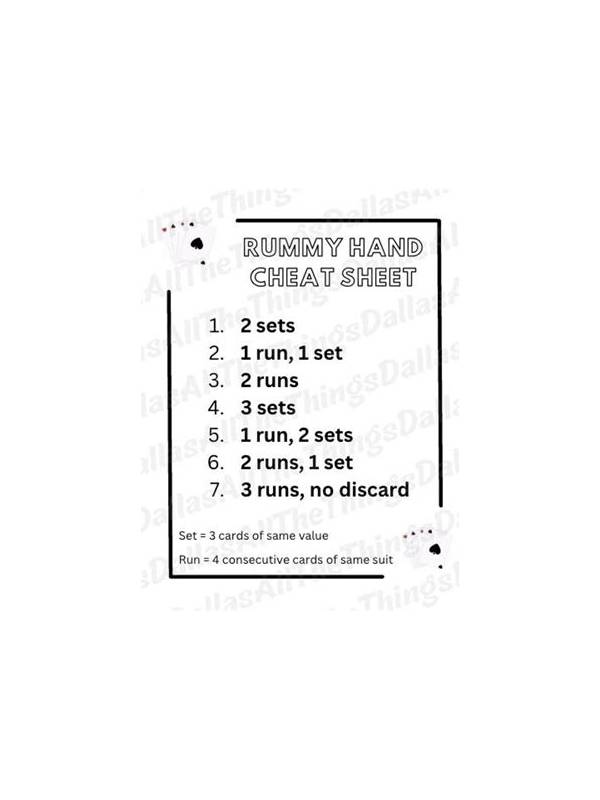
Rummy Safety Guide to Recognizing Manipulative Prompts
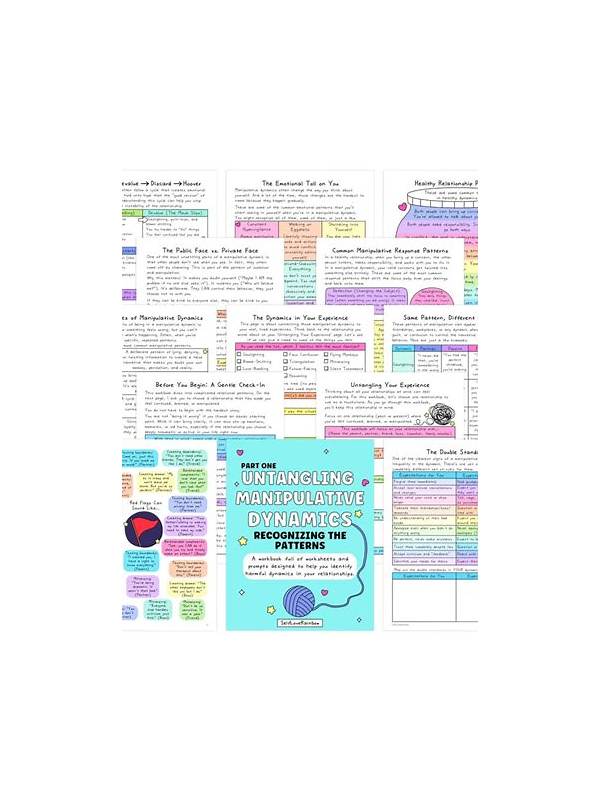
Online players may encounter prompts that use urgency, fear, or exaggerated rewards to encourage an immediate action. A message saying an offer expires in minutes is not proof that the offer is genuine. Treat unexpected pressure as a reason to pause and verify, especially when the action involves an app install, payment, or account information.
Check the source before following a link. Open the official platform or app store through a route you already trust instead of relying on a message’s shortened URL. Inspect the domain carefully and be cautious with spelling changes, unusual subdomains, or requests to disable device protections. Never install an unknown package merely because a prompt claims it is required for a bonus or withdrawal.
Separate gameplay from account security. A normal game action should not require your password, one-time authentication code, banking PIN, or remote access to your device. If a person asks for those details to “unlock” winnings or fix a table, stop communicating and use the service’s official support path. Keep screenshots of suspicious messages if you need to report them, but do not reply with private information.
Pause before paying. Read the amount, recipient, refund terms, and any recurring-charge language. Do not let a timer or social pressure replace verification. If you are unsure, close the prompt and ask a trusted person to review the situation from a separate device or contact the provider through a known channel.
Safety is a practical part of play. A trustworthy service should allow you to make informed choices without threats or secrecy. Building a pause-and-verify habit protects both your account and your budget when persuasive prompts appear. Be especially cautious with prompts that claim guaranteed returns, demand secrecy, or threaten account closure unless you act immediately. Legitimate services may send reminders, but a reminder should not require bypassing normal verification. Use device updates, screen locks, and unique passwords as basic protections. If you have already clicked a suspicious link, close it, update the device, change affected credentials through the official service, and monitor accounts. Do not continue the conversation in order to “confirm” your details. Use official support only through contact details found inside the verified service or its known website. Do not trust a phone number or account supplied by the suspicious prompt itself. The same caution applies to “verification” forms that ask for more information than the task requires. When in doubt, stopping is a valid action; no legitimate entertainment offer should make a rushed response more important than your security.
Related Post
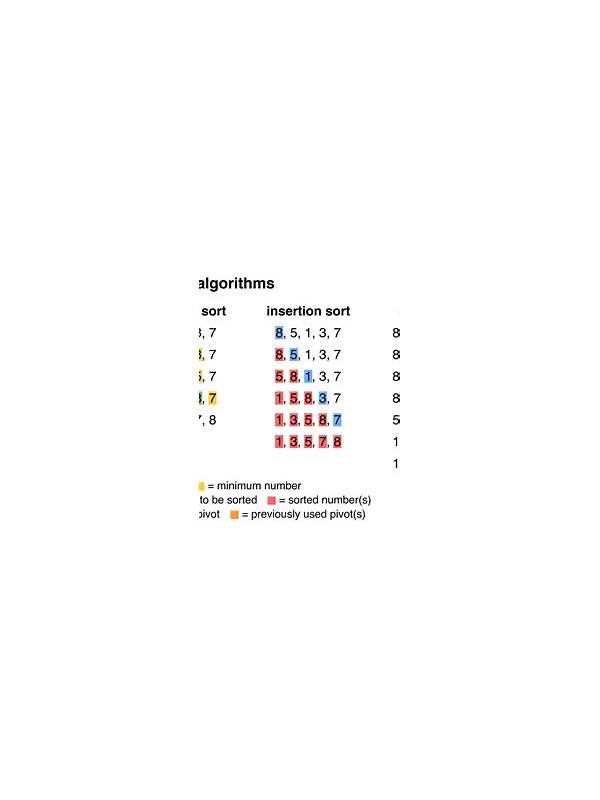
Rummy Comparison: A Simple Sort or a Strategic Sort
Comparing two ways to organize a hand shows when neatness helps and when it hides [...]
Rummy FAQ: Can the Best Discard Be the Least Interesting Card?
Find out why an ordinary-looking card can sometimes be the safest and most useful discard. [...]