Rummy Safety: A Checklist for New Game Invitations
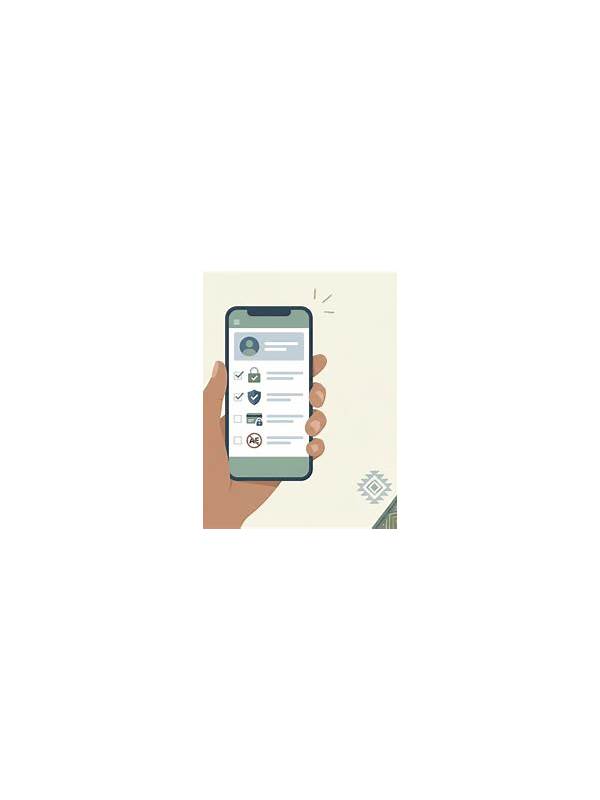
An unexpected game invitation can look convenient, especially when it arrives from a familiar name or group. It may still lead to a fake page, a copied profile, or a request for unnecessary personal information. A short pause before joining protects both your account and your attention. Treat the invitation as unverified until its source and destination make sense.
Start by checking where the invitation came from. Open the conversation or account through the app you already trust instead of using a forwarded shortcut. Compare the sender’s profile, spelling, and recent activity with what you normally recognize. If the message creates urgency, promises a special reward, or asks you to move to a private channel immediately, consider that a warning sign.
Inspect the destination before entering credentials. The address should match the service you intended to use, use a secure connection, and avoid unusual spelling or extra subdomains. A legitimate game invitation should not require you to disclose a password, one-time code, recovery phrase, or full payment details in a chat. If a page asks for more than the game needs, leave it and verify through an official support route.
If the invitation concerns real-money play, check the rules and local eligibility requirements independently. Do not rely on a sender’s claim that a promotion is guaranteed or risk-free. Confirm fees, withdrawal conditions, identity checks, and available limits before depositing anything. A game invitation is not a reason to bypass your normal spending and safety rules.
Keep a record of suspicious messages without forwarding them to others. Report the account or link using the platform’s built-in tools, then block it if appropriate. If you already entered information, change the affected password through the official app and review active sessions. A few seconds of verification can prevent a rushed click from becoming a larger account problem.
Use device protections as a second layer. Keep the operating system and game app updated through trusted channels, lock your screen, and avoid saving credentials on a shared device. If an invitation asks you to install an unfamiliar file, stop and verify the service through its normal website or support page. Do not let a social connection replace technical checks. A genuine friend can also have an account that was compromised, so verify the request independently before taking action. Safety is strongest when source, destination, device, and payment request all make sense together. When in doubt, close the invitation and start again from the official app. Legitimate services can be checked without pressure. Your time, account, and payment information are more important than joining one particular table immediately.
Related Post
Rummy Safety: Set a Break Rule Before Playing
A preselected break rule protects attention and spending by making rest a normal part of [...]
Rummy FAQ: What Is a Good Reason to Break a Pair?
A pair is worth breaking when its current value is lower than the improvement and [...]