Rummy Safety: Check Permissions After Installing a Game App
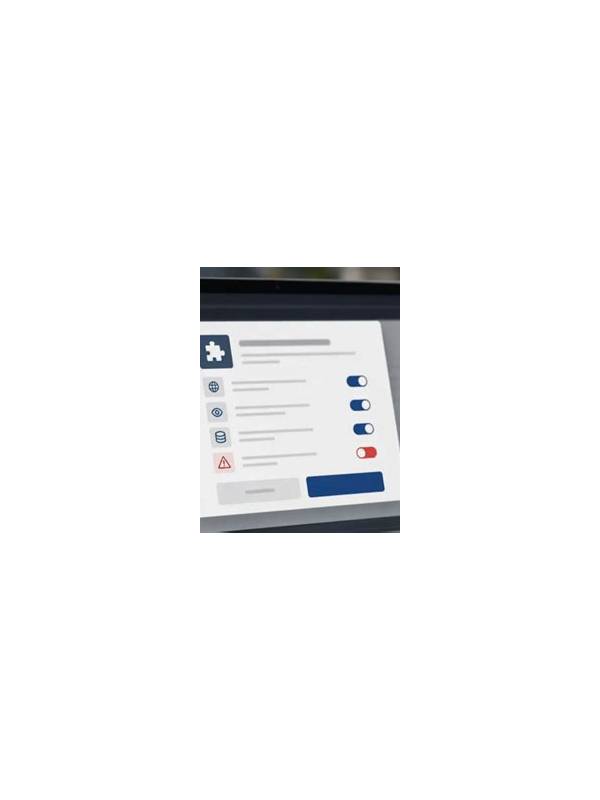
Installing a game application is not the end of a safety check. Many devices allow an app to request access to notifications, storage, contacts, location, or other features. Some access may support a real function, while other requests may be unnecessary. Reviewing permissions after installation gives you a chance to make an informed choice.
Begin with the device settings rather than an unfamiliar pop-up. Open the application’s permissions page and list what is allowed, denied, or set to ask each time. Compare each permission with a clear purpose. A card game may need network access to connect to a table, but contact access may not be essential for basic play. Do not grant access simply because a prompt sounds urgent.
Check notification access separately. Notifications can be useful for table events, but they may expose account or activity details on a lock screen. Use the device’s privacy settings to hide sensitive previews if other people can see your screen. You can often keep alerts enabled while limiting what appears publicly.
Review storage and photo access with care. If an app does not need to upload images or documents, broad media access may be unnecessary. Modern operating systems may offer selected-file access or one-time permission; choose the narrowest option that supports the function you actually need. Recheck permissions after updates because features and requests can change.
Also inspect account and payment settings inside the official app. Never enter credentials into a link from an unexpected message. Use the publisher’s verified support route if a permission prompt seems inconsistent with the app’s purpose. Keep the operating system and security tools updated, and remove applications you no longer use.
Permission review is not a guarantee that an app is trustworthy, but it reduces avoidable exposure. Combine it with checking the source, reading the privacy policy, using a strong unique password, and avoiding sensitive play on unsecured networks. If you are uncomfortable with a requested permission, deny it and test whether the core game still works before deciding what to do next.
It is also sensible to review permissions on a schedule, such as after a major update or once a month. Remove access that no longer has a clear purpose. Keep backups of important personal files separate from an entertainment device when practical, and use the device lock, official security updates, and a unique account password as additional layers of protection.
Related Post

Rummy Tips: Protect a Flexible Low Card
A low card can be valuable when it connects several routes, so point value alone [...]
Rummy Guide: Create a Final-Turn Checklist
A short final-turn checklist can prevent avoidable mistakes when a rummy hand becomes urgent. [...]