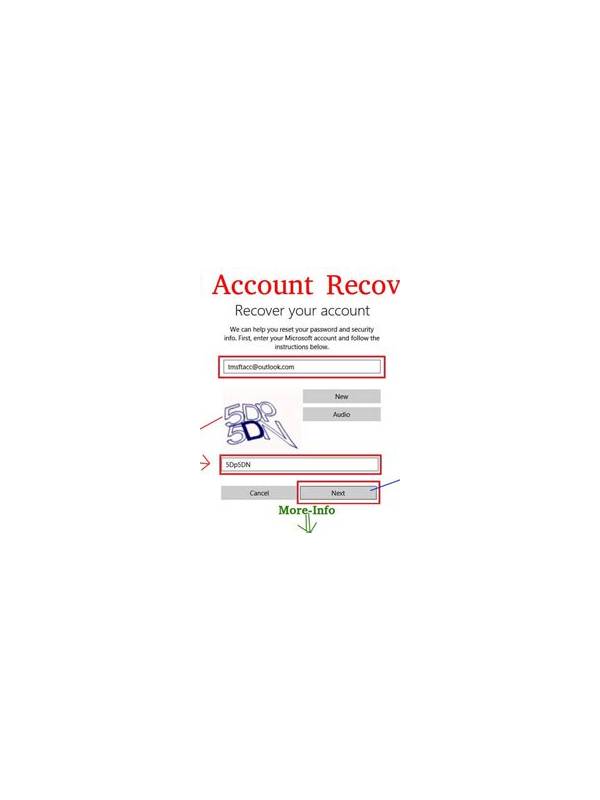
Rummy Safety: Check Links Before Following Help Messages
Treat unexpected urgency carefully
A message that claims your account, withdrawal, or table needs immediate action can create pressure before you have checked its source. Urgency is not proof of fraud, but it is a reason to slow down. Do not open an unexpected link or provide credentials simply because the message uses a familiar name or logo.
Read the message for specific requests. Passwords, verification codes, full payment details, and remote-access instructions deserve particular caution. Legitimate support processes should be explainable through an official help channel, not dependent on secrecy or a demand to bypass normal safeguards.
Verify independently
Open the service through a bookmark or a manually entered address you already trust. Do not use the link in the message to reach the account. Check whether the same alert appears in the official account area, and contact support through a channel listed there. If the message is about a transaction, review the transaction history rather than relying on a screenshot or reference number supplied by the sender.
Inspect the sender without treating it as conclusive. Display names can be copied, and small spelling changes can be easy to miss on a phone. Even a message from a familiar account may have been compromised. Independent access is the important test.
If you already clicked
Close the page and avoid entering additional information. If you submitted a password, change it through the official site and review active sessions and recovery settings. If payment information was involved, contact the relevant provider using its known channel. Keep a record of the message and report it through the service’s official abuse or support process.
Do not forward suspicious links as a warning without removing the active URL; recipients may tap it accidentally. A safer warning describes the sender, timing, and request in plain language. The same careful process protects you when the message concerns a game account, a payment, or an ordinary support question.
Save evidence without spreading it. A screenshot may help an official support team investigate, but crop or redact personal details before sharing where possible. Do not reply to the suspicious sender to test whether it is genuine. Verification should happen through an independent route. Calm verification is slower than tapping a link, but it protects the account from a mistake made under artificial pressure.
If the message creates fear, take that as a signal to pause rather than a reason to hurry. A genuine issue can still be checked through the normal account route, where the surrounding details are easier to confirm.
Related Post
How to Review a Rummy Loss Constructively
A structured post-game review separates useful lessons from the emotion of an unlucky rummy result. [...]
Rummy Vocabulary: A Plain-English Glossary for New Players
Learn the everyday rummy terms that make tables, tutorials, and hand reviews easier to follow. [...]