Rummy Accessibility: Designing a Clear Card Reading Routine
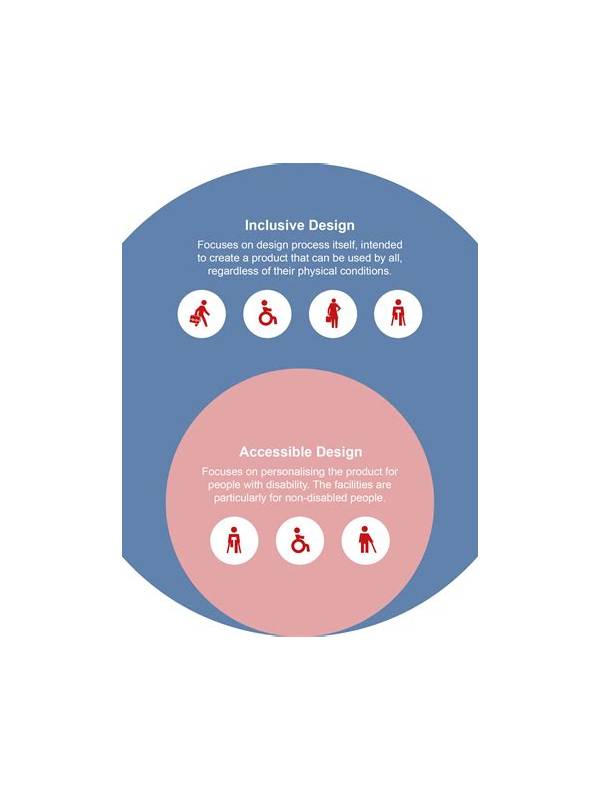
Rummy is easier to reason about when the cards are easy to read. Small suits, low contrast, similar colors, or a crowded mobile layout can turn a simple decision into a visual guessing exercise. An accessibility-minded reading routine reduces that friction without changing the rules or requiring a special strategy.
Start by identifying the information you actually need. For most turns, that means rank, suit, the visible discard, and the cards already grouped in your hand. Do not try to absorb every animation, badge, chat message, and notification at once. If the table offers a larger-card or high-contrast setting, enable it before joining a serious practice round. Increase text size only until cards still fit comfortably; a huge display that forces constant scrolling can create a different problem.
Use more than color to identify suits. Say the rank and suit silently, or arrange cards by suit and then rank. This gives you a second channel when red and black symbols are difficult to distinguish. Consistent ordering also helps after a draw: place the new card in the same location every time, then scan the whole hand rather than trusting the animation.
Reduce motion and sound if they compete with reading. A pop-up that covers the discard pile or a loud alert that pulls attention away from the hand can cause an avoidable error. If the application has no suitable setting, practice with a physical deck or a static notation sheet. The point is to train the decision process, not to tolerate an uncomfortable interface.
Build a verbal check for important actions: “rank, suit, group, discard.” Before confirming a declaration, read each group aloud or in your head and compare it with the variant’s written rule. If you use magnification or a screen reader, leave enough time for the interface to finish speaking before acting. Never let a timer force you to guess.
Finally, record the barrier, not a personal judgment. “Seven and nine looked alike at current size” is useful; “I played badly” is not. A clear note tells you whether to change contrast, layout, pace, or practice format. Accessible play is accurate play: make the information dependable, then evaluate decisions on their merits.
Ask another player to describe what they can see without revealing your intended move. If they cannot identify the same rank, suit, and group boundaries, the display still needs work. Small environmental changes matter too: clean the screen, remove glare, and position the device comfortably. These adjustments reduce interpretation effort so more attention remains available for deliberate choices.
Related Post
Rummy How-To: Establish a Clear Hand State After Every Draw
A repeatable hand-state routine keeps each draw from creating confusion about groups, gaps, and discard [...]
Rummy Practice Note 166: A Structured ReviewRummy Guide: Separate Draw Quality From Draw Quantity
A structured original note for reviewing decisions and safer play.A practical way to judge whether [...]