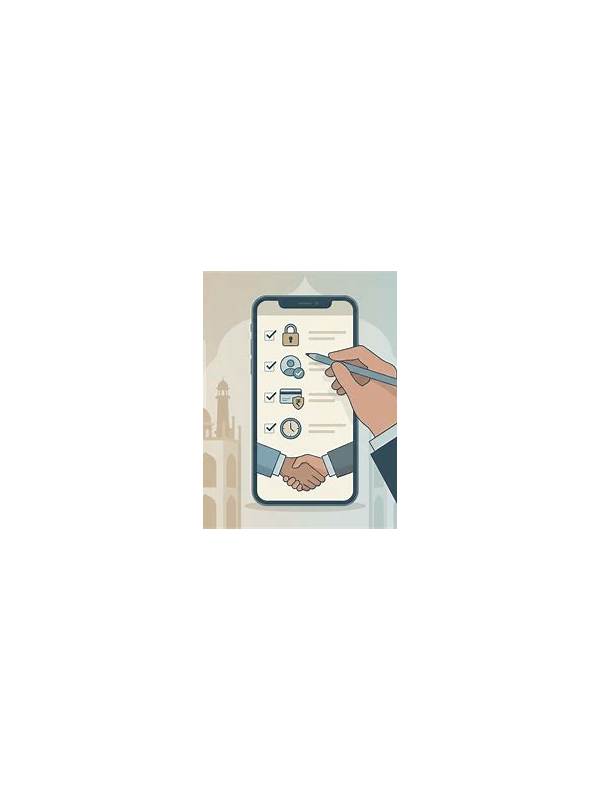
Rummy How-To: Create a Table Timeout Checklist
An interrupted table can create two separate problems: a technical problem and an emotional one. Players may rush when the screen returns, worry about losing a turn, or make a move without checking the hand. A simple timeout checklist keeps the response orderly.
First, stop clicking repeatedly. Rapid taps can create duplicate actions when a connection catches up. Note the last confirmed state: whose turn it was, whether a card was drawn, and whether the discard was accepted. If the application shows a reconnect or activity message, allow it time to finish before changing screens.
Second, protect your account and device. Use the application’s normal support or connection instructions rather than an unexpected message that asks for a password, remote access, or a payment. Never install a “fix” from a random link received during a game. If you are on mobile data, check whether the signal changed and whether another application is consuming the connection.
When the table returns, reconstruct the position before acting. Count your cards, inspect the latest discard, and confirm whether a joker or wild-card rule is active. Compare the visible hand with what you remember. If the state is unclear, take a screenshot or note the time and contact official support after leaving the table. Do not guess merely to keep the pace.
After the issue is resolved, decide whether to continue. A weak connection, low battery, or repeated interruptions is a valid reason to stop. A timeout checklist is not only about recovering a game; it also gives you permission to protect your focus and budget when the playing environment is unreliable. It helps to write the checklist somewhere visible before playing: pause clicks, confirm connection, record the last state, inspect the hand, and decide whether to continue. A fixed order prevents memory from filling in missing details. Do not let a short timer force a guess after a pause; choose the safest legal action you can verify and document the incident afterward. If the application records a hand automatically, save the hand identifier if one is shown. That detail can help support distinguish a timeout from a normal exit. Keep your explanation factual: device, connection type, approximate time, and the last confirmed action. Avoid sending personal credentials or following unofficial instructions offered by strangers. A clear record protects both your decision making and your account. If the interruption happens repeatedly, treat the pattern as evidence that the session conditions are unsuitable. A table can be fair in theory and still be impractical on your current device. End the session, troubleshoot later, and return only when you can verify actions reliably. Protecting a planned limit includes protecting the attention needed to follow it.
Related Post
Rummy Strategy: Build a Discard Ladder
Ranking likely discards in advance makes difficult turns easier to handle. [...]
Rummy Tips: Use the Middle of the Hand as a Checkpoint
A planned midpoint check helps players replace weak early assumptions before the final turns become [...]