Rummy Interface Landmarks for Safer Card Selection
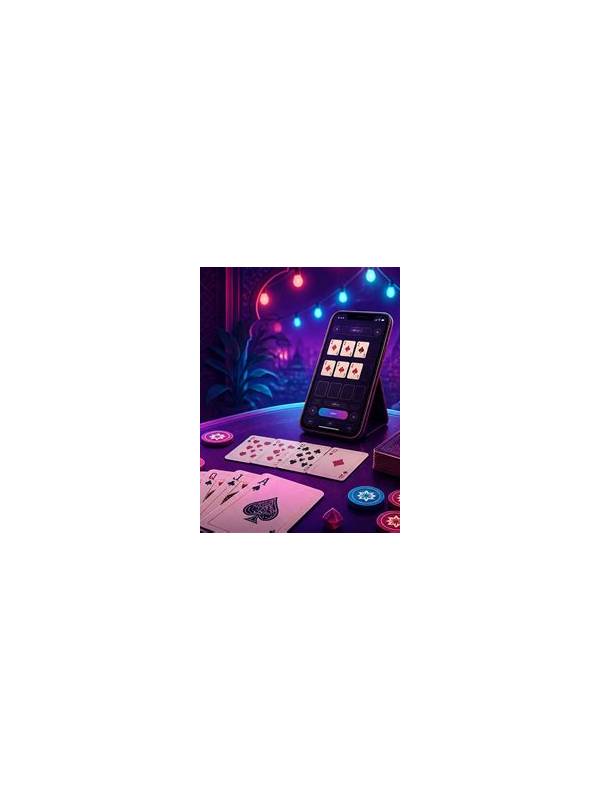
An interface can make a sound decision fail at the final click. Cards may shift after a draw, buttons may sit close together, and small screens may hide the selected state. Interface landmarks are stable visual checks that help you confirm what you are about to do.
Start by identifying four landmarks: your hand area, the active draw controls, the discard or confirm control, and the table-status message. Learn their relative positions without relying on a single color or icon. Themes, accessibility settings, and updates can change colors, while locations and labels may remain easier to verify.
Before selecting a card, check that the hand area is active and that the table-status message shows your turn. After selecting it, look for a clear selected state such as an outline, lift, or label. If the state is ambiguous, do not confirm yet. Tap only when you can distinguish the chosen card from its neighbors.
Use a left-to-right or grouped scan order and keep it stable. Reordering cards can be useful, but frequent movement makes position an unreliable landmark. After a new card arrives, pause long enough to confirm whether the hand shifted. On a small display, zoom or adjust text size before play if the platform provides those options.
Separate decision checks from interface checks. First decide which card to release. Then verify that the selected card is correct, the control is the intended action, and the table is still waiting for you. Mixing strategy and clicking can cause an accidental action before the final check is complete.
If you misselect a card, record what failed: unclear selection state, shifting layout, fatigue, or a tap that landed between cards. Make one environmental adjustment before the next practice round, such as increasing spacing, changing orientation, or moving the device. Do not assume a stronger strategy will solve a targeting problem.
Interface landmarks are especially important after an update or on a new device. Spend one low-pressure round checking labels, prompts, and confirmation behavior. Never rely on memory from another platform. The routine is simple: locate, select, verify, act. It protects the decision you already made without adding unnecessary complexity.
Never use a familiar landmark as a substitute for reading the current prompt. A layout can change while the location looks similar, and a confirmation screen may contain an important warning. The safe habit is to combine position, label, and selected state. If any one conflicts with the others, pause and inspect before continuing.
Related Post

Rummy Middle-Game Planning When Your Hand Is Unclear
A practical middle-game review helps players choose a direction without forcing weak combinations. [...]
Rummy FAQ: Why Keep a Card That Is Not Yet Useful?
An apparently unused card can be worth keeping when it preserves several realistic future routes. [...]