Rummy Safety: Avoid Sharing Private Details in Screen Recordings
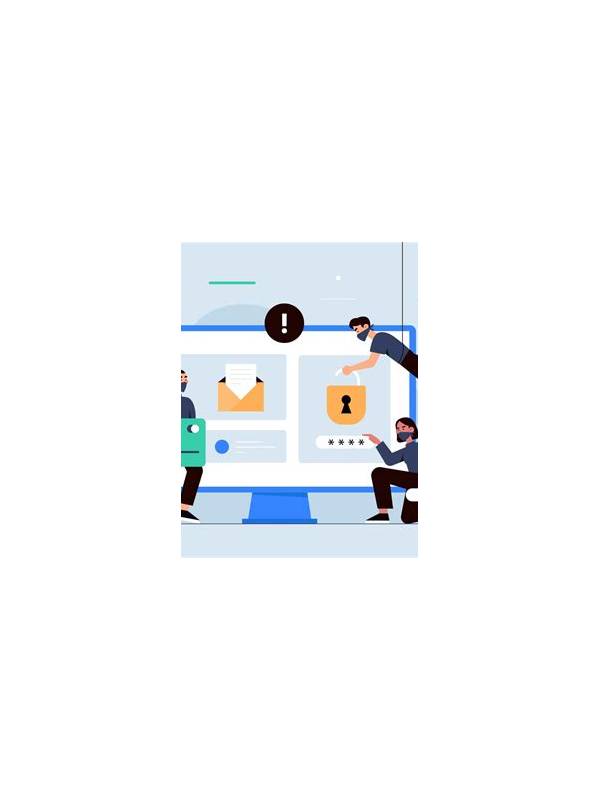
Screen recordings can make a technical problem easier to explain, but they may capture much more than the game screen. Notifications, account identifiers, messages, payment panels, and other apps can appear without warning. Before recording, decide what evidence is actually needed and remove private information from the frame whenever possible.
Start with the least revealing option. A written description of the error, a game reference, or a cropped screenshot may be enough for support. If a recording is necessary, close unrelated applications and disable notifications temporarily through the device’s normal settings. Do not open account pages or payment screens unless the issue specifically concerns them.
Review the first few seconds and the end of the recording. Many clips reveal a lock-screen notification at the start or a chat message when the player switches away. Check whether names, email addresses, phone numbers, balances, QR codes, or transaction references are visible. Crop or blur sensitive areas with a trusted local tool before sharing.
Use official support channels and check their file rules. Do not upload a recording to a public forum simply because it is convenient. If another person asks for the original file, verify why it is needed and whether a redacted copy will work. Never include passwords, one-time codes, recovery phrases, or full payment credentials in a support attachment.
Keep only what you need. Once the issue is resolved, delete duplicate recordings and any temporary exports from shared folders or messaging apps. Remember that deleting a local copy may not remove copies already sent elsewhere, so choose the destination carefully before uploading.
Privacy protection is part of troubleshooting. A clear, short, redacted clip gives support enough context while reducing unnecessary exposure. Make the recording about the error, not the entire account. This small habit is useful for game apps and any service where a technical problem appears beside personal information.
If a recording includes another player’s name or chat message, treat that information as private too. Redact it before sharing, even when your own account details are not visible. A technically helpful file should also respect the people appearing in it.
Before sending, read the file name too. Names sometimes contain account identifiers or dates that reveal more than intended.
Rename the file to a neutral description before uploading it.
If possible, review the final exported file once more after redaction, since an export can restore dimensions or metadata you did not expect.
Related Post
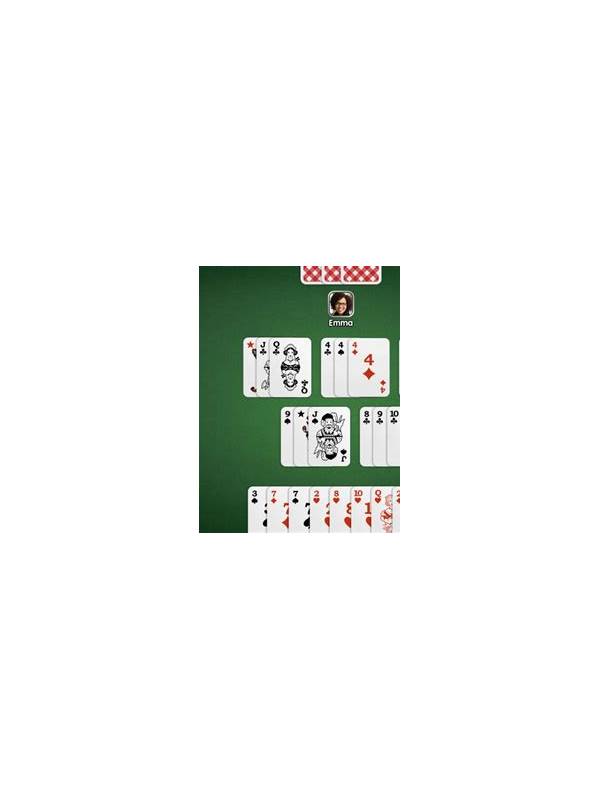
Rummy Table Orientation: Learn the Interface Before Your First Turn
A short orientation routine helps players understand a rummy table before making a pressured decision. [...]
Rummy Tips: Separate Table Speed From Decision Quality
Players can adapt to a fast table while still protecting the quality of important rummy [...]