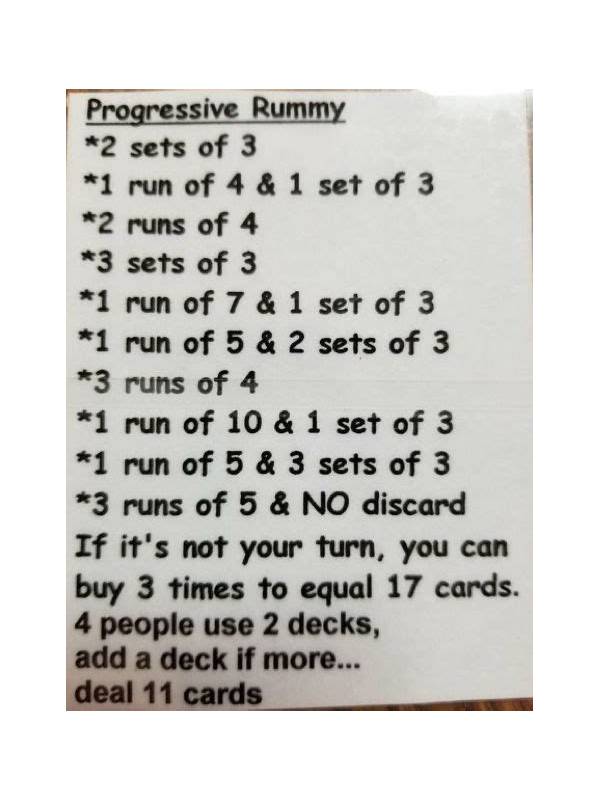
Rummy Safety: Avoid Sharing Sensitive Details on Screen
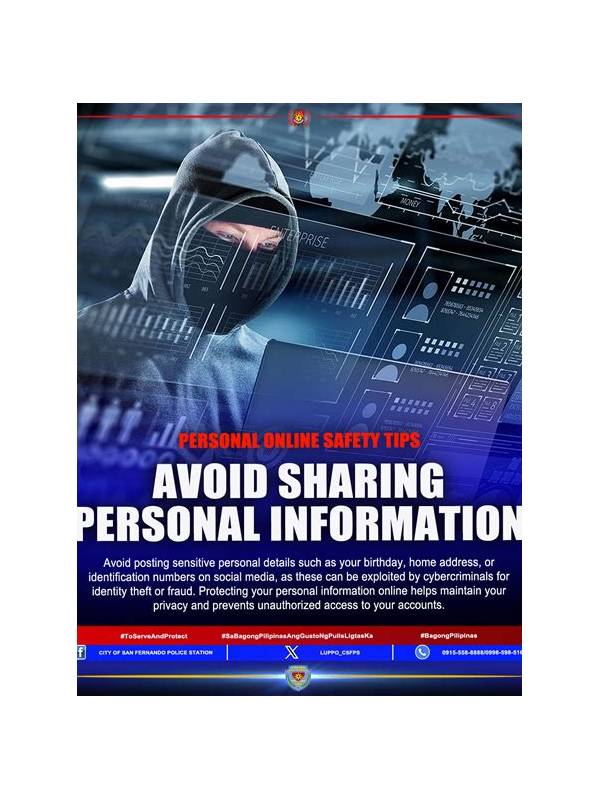
Screen sharing can be useful when teaching a friend, reporting a technical problem, or reviewing a practice hand. It can also expose information that should remain private. Before sharing, check whether the screen includes account identifiers, payment details, notifications, messages, or recovery information.
Start by closing unrelated apps and browser tabs. Notification banners can reveal names, message previews, or one-time codes even when the game window looks harmless. Turn off previews temporarily or use a separate device profile for demonstrations. Never display passwords, verification codes, full payment numbers, or identity documents during a screen share.
Choose a narrow sharing area when the platform allows it. Sharing one application window is safer than sharing an entire desktop. Before beginning, move the cursor through the visible area and inspect the corners, overlays, and chat panel. Some applications open dialogs or account menus unexpectedly, so keep sensitive tools closed rather than relying on a quick reaction.
If you are recording a hand for practice, remove identifying details before saving the file. Crop account names, blur private chat, and use a neutral filename. Store the recording where other people cannot browse it casually. Delete copies that no longer serve a learning or support purpose, especially if they contain personal information.
When contacting support, use the official support route listed inside the verified application or its documented help area. A person who asks you to reveal a password or share a one-time code is not following a safe process. You can describe an error, provide a time and device type, and attach a carefully edited screenshot without disclosing credentials.
Make a short pre-share checklist: private tabs closed, notifications hidden, account and payment panels closed, sharing area selected, and recording destination checked. Run it every time rather than trusting memory. If you notice exposed information, stop the share first and then assess what was visible. Change credentials through the official account process if necessary, without sending those credentials to anyone.
Good screen hygiene protects both practice and real-money decisions. Keep strategy discussion separate from account administration, and use limits that make it easy to stop when the session becomes stressful.
Ask everyone on a shared call to follow the same boundary. A friend helping with a hand should discuss visible cards and rules, not request access to the account. If a support agent needs technical evidence, provide the minimum edited image needed to reproduce the issue. This keeps collaboration useful while preserving control of personal information.
Related Post
Rummy Safety: Set a Spending Boundary Before Any Paid Table
Simple precautions for keeping entertainment spending separate from the pressure of an ongoing game. [...]
Rummy FAQ: What Is a Bridge Card in a Crowded Hand?
A bridge card connects candidate structures, but its value depends on the routes it really [...]