Rummy Safety: Set Boundaries for Notifications and Play Time
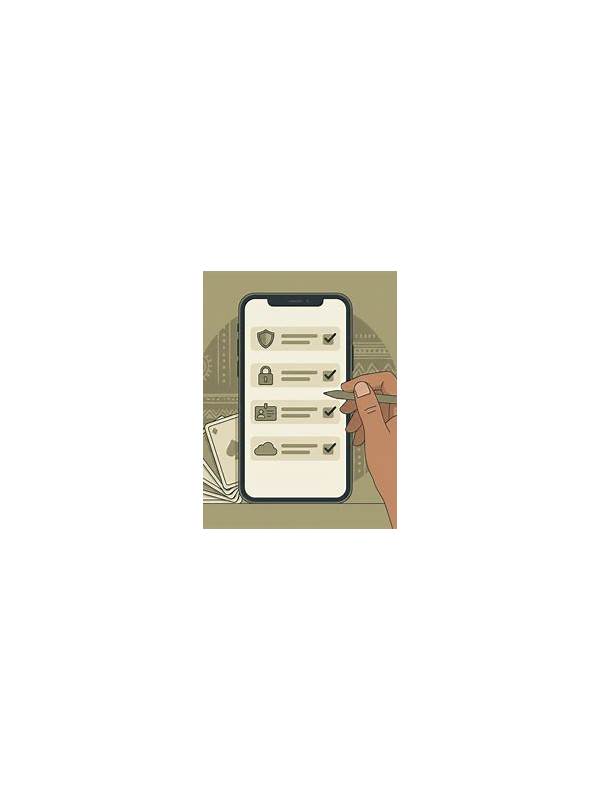
Notifications are designed to bring attention back to an app, but constant prompts can make play feel urgent. Setting boundaries before you begin helps keep online rummy within the time and attention you intended to give it.
Review notification settings first. Turn off promotional alerts if they are not useful, and keep only messages you genuinely need for account or table activity. Use your device’s focus or do-not-disturb mode during work, study, driving, and sleep. A notification can wait; safety and existing responsibilities should not be negotiated with an app.
Choose a session boundary that is easy to observe. This might be a fixed end time, a maximum number of rounds, or a short break after each block. Set the boundary before opening the table, because deciding after a frustrating loss is harder. When the boundary arrives, finish the current action safely and leave rather than starting “one more” round.
Separate entertainment time from spending decisions. Do not treat a prompt, bonus, or limited-time offer as a reason to extend a session. If an app asks for payment while you are tired or upset, close the prompt and review it later through the normal account area. Keep a personal limit that you can afford to lose, and never borrow money to continue playing.
Boundaries work best when they are visible and repeatable. A quiet device, a scheduled end, and a cooling-off rule reduce impulsive choices. Responsible play is not about eliminating enjoyment; it is about keeping the activity voluntary, predictable, and secondary to health, finances, and daily commitments. Tell a trusted person about the boundary if you find it difficult to keep alone. Externalizing the end time can make it easier to honor, especially when an app presents repeated rewards or reminders. Keep the device out of reach during breaks so a notification does not turn a planned pause into an automatic return.
Watch for warning signs such as hiding play, chasing losses, missing obligations, or feeling unable to stop. If these signs appear, stop using the app and seek support from someone you trust or a relevant local service. A break is a safety action, not a failure. Consider writing the boundary on paper or placing a timer outside the app. External cues are useful because an in-app reminder may be designed to encourage continuation. If you repeatedly ignore the boundary, make it stricter and take a longer break before returning.
Related Post

Rummy Guide: Measure Hand Clutter Before Choosing a Route
A quick clutter check helps you choose between preserving flexibility and committing to a simpler [...]
Rummy Guide: Evaluate a Card by Its Nearest Neighbors
Looking at a card’s nearby ranks can reveal sequence potential more accurately than judging the [...]