Rummy Safety: Check App Permissions Before Creating an Account
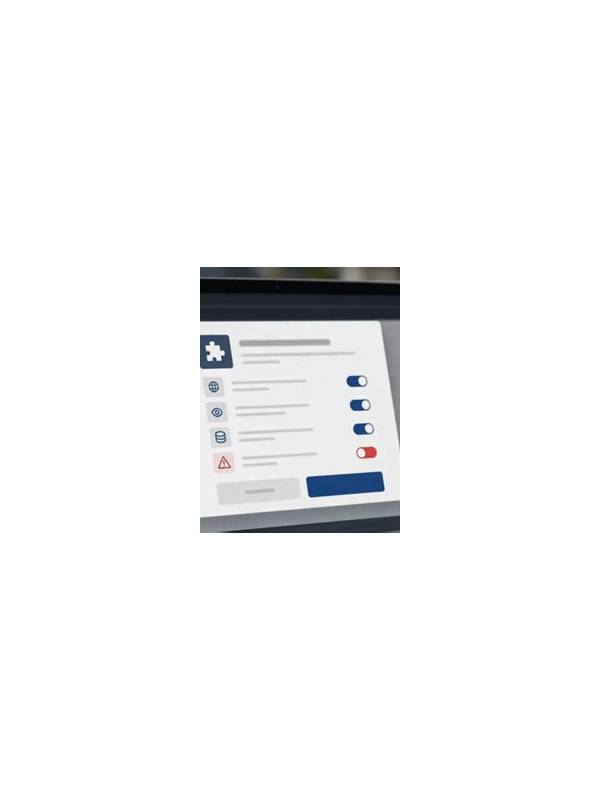
Before creating an account in any game app, pause at the permission screen. Permissions are not proof that an app is unsafe, but they are a useful way to understand what the software wants to access. A card game normally needs a network connection and may need notifications; requests for unrelated data deserve closer attention.
Read the permission names instead of accepting every prompt automatically. Contacts, microphone, location, storage, and camera each have specific purposes. If a feature does not need one of them, look for a “deny,” “while using,” or “ask every time” option. Android and other operating systems may let you change these choices later in settings.
Use the official store or the publisher’s verified distribution route whenever possible. An installation file shared in a message can be difficult to authenticate, and a familiar logo does not guarantee a genuine package. Check the developer name, update history, privacy statement, and user reports. Avoid entering personal or payment information until the source is clear.
Create a unique password and enable available account protection. Never reuse a password from email, banking, or social accounts. If the app requests an unusually broad set of details during registration, ask whether each field is required. Optional information can usually remain blank.
Review notification content as well. Lock-screen previews can reveal account or transaction details to anyone who sees the phone. Disable previews or use a private notification setting if the device is shared. Also keep the operating system and security software updated.
Permissions are only one part of safety, but they provide an early checkpoint. If the app cannot explain a request, has an unclear publisher, or pressures you to install through an untrusted link, stop and investigate before proceeding. A game should fit comfortably within your device’s privacy boundaries.
Do a second review after the first update. Apps can request new access when features change, and an update is a good reminder to inspect settings again. Remove permissions that are no longer needed and uninstall software you no longer use. Keeping fewer apps reduces the number of accounts, notifications, and access requests you must monitor. If you install through a family or shared device, explain these checks to other users so they do not approve unexpected prompts automatically.
If a permission is required for a feature you do not intend to use, leave that feature disabled. Privacy settings work best when they match your actual use rather than the app’s most expansive default configuration.
Related Post

Rummy Tips: Estimate the Cost of Holding a High Card
A practical checklist for deciding whether a high card is earning its place in your [...]
Rummy Strategy: Choose an Anchor Card for a Messy Hand
Selecting one well-supported anchor card can give a messy rummy hand a stable starting point [...]