Rummy Safety: Check Shared Devices Before You Play
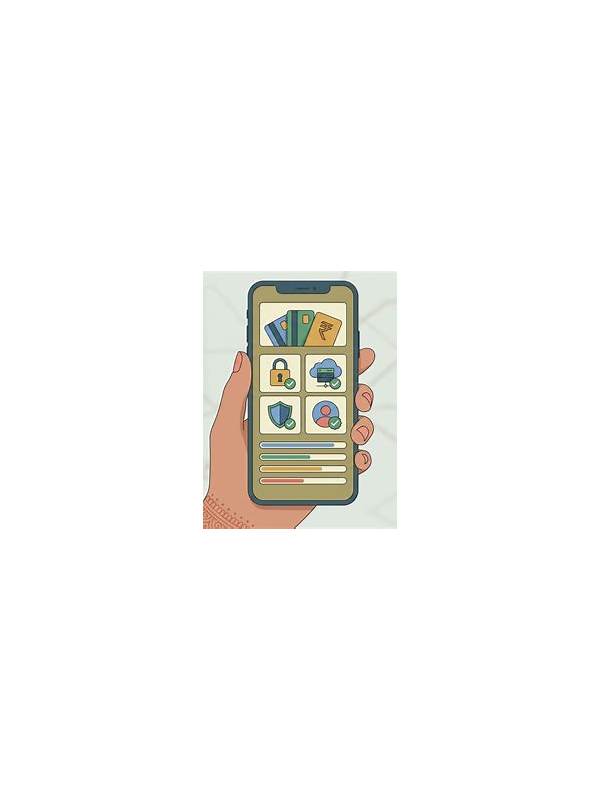
Playing on a shared phone, tablet, or computer requires more attention than simply opening a game. The device may contain saved accounts, private notifications, payment details, or browser sessions belonging to other people. A careful pre-session check protects everyone and also reduces distractions during play.
Begin by confirming the account shown on the sign-in screen. Do not assume the last user signed out. If more than one profile is available, choose the correct profile and avoid saving credentials on a device other people use. Use the platform’s normal sign-out and account-switching controls rather than copying passwords into notes or messages.
Review visible notifications before starting. Message previews can appear over the game, and a screenshot or screen recording may capture them. Turn on an appropriate focus or do-not-disturb mode, but first make sure you will still see important security alerts. The goal is to reduce exposure and interruptions, not to hide every notice without understanding what is being blocked.
Check the recent-apps view and browser tabs. A shared device may leave an email, cloud drive, or payment page open behind the game. Close sensitive pages only if you are authorized to do so, and do not inspect private content that is not yours. If you cannot establish a clean workspace, use a different device or play only a practice mode that does not involve sensitive information.
Avoid allowing screen sharing, remote support, or recording unless you understand exactly what will be visible. A helper may need to see an error message, but they do not need to see a full payment page or verification code. Crop screenshots to the relevant error and remove account identifiers when possible.
After the session, sign out if the device is shared and clear temporary game data only through normal settings. Do not delete another user’s files or browser history. Confirm that the account name on the login screen is no longer yours, and return the device to its ordinary privacy settings.
These steps take only a few minutes. They also create a useful boundary between game access and personal information. A secure session should leave both your decisions and your private data under your control.
If the device belongs to someone else, respect their privacy as carefully as your own. Do not browse their files to find a cleaner background, and do not install utilities without permission. A separate guest profile or temporary browser profile can create a useful boundary when the operating system supports it. When in doubt, choose a device and connection you control, and postpone any session that would require exposing information to another person.
Related Post
Rummy Safety: Keep Your Session Private in Public Places
Simple privacy habits can reduce exposure when playing a card game on a shared or [...]
Rummy FAQ: What Is a Practical Out?
A practical out is a missing card that can arrive in time and improve a [...]