Rummy Safety: Handle a Suspicious Login Alert
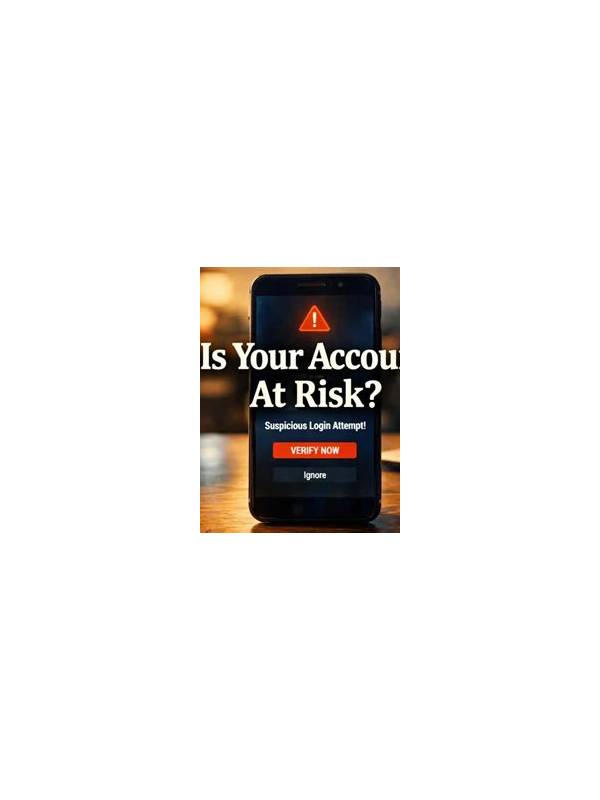
An unexpected login alert can be genuine, delayed, or fraudulent. Treat it as a security event until you verify it through a trusted route. Do not click a link in the message before checking the account independently, especially if the alert creates urgency or asks for a code.
Open the app from the device’s normal launcher or type the known official address yourself. Review the account’s security or active-session page if one exists. Look for a device, location, and time that you recognize. Location estimates are not always exact, so consider the full pattern rather than treating one unfamiliar city as proof of compromise.
If the session is not yours, end it using the account’s official controls. Change the password through the trusted app or website, and make it unique to that account. Enable multi-factor authentication if the service supports it. Never share a one-time code with someone who contacts you by chat, phone, or email.
Check for related changes such as a new payment method, altered recovery address, or unexpected withdrawal request. If you see one, contact verified support immediately and use the service’s documented account-recovery process. Keep a private record of dates and reference numbers, but do not post screenshots that expose personal or financial information.
If the alert turns out to be fake, report the message and remove it. Do not install an app or browser extension offered as a “security fix” by an unknown sender. The safest response is to verify through the account itself, secure the account, and preserve evidence for official support.
A login alert is not a reason to panic or to reveal credentials. Slow down, use a trusted route, end unknown sessions, and protect verification codes. Review the alert’s sender separately from its content. A familiar logo, display name, or urgent subject can be copied easily. Technical headers and official account history are more useful, but ordinary players should not need to investigate complex links or attachments. When in doubt, delete the message after preserving the minimum evidence and contact support from inside the account. Security improves when you control the route of verification. Do not announce publicly that you have received a suspicious alert or reveal which security controls you use. If you share a device, sign out after securing the account and review saved sessions. Small privacy steps matter because an attacker may use information from a public conversation to make a later message look more convincing.
Related Post
Rummy FAQ: Why Does a Complete Set Not Finish the Hand?
A complete set is useful, but a legal declaration depends on the structure of the [...]
Rummy Safety: Set a Clear Boundary for Competitive Frustration
A personal frustration boundary can help you pause before a disappointing session changes your spending [...]