Rummy Safety: Keep Notifications From Interrupting Decisions
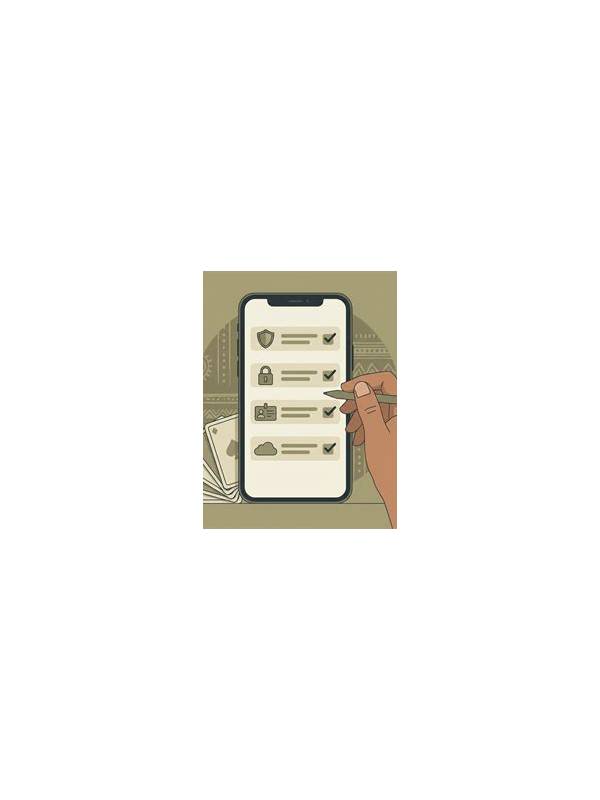
Notifications can interrupt a rummy decision at exactly the wrong moment. A message preview may reveal private information, a promotional alert may encourage extra play, or a work notification may split your attention. Preparing your device before a session improves both focus and privacy.
Start with a short pre-play check. Turn on a suitable focus or do-not-disturb mode, silence nonessential alerts, and hide sensitive previews from the lock screen. Make sure important contacts can still reach you if necessary. The goal is controlled access, not isolation. If you are expecting an urgent message, consider postponing play instead.
Review platform notifications separately. Promotional reminders, bonus offers, and “almost there” messages can create pressure to continue. Disable categories you do not need, or use the platform’s responsible-play controls when available. A notification is marketing or automation, not evidence that a game is worth entering.
Protect privacy on shared devices. Close unrelated apps, avoid displaying account balances in public, and check that the device is not recording or mirroring the screen without your knowledge. Use a secure lock method and do not save payment details on a device others can access. These steps matter even in free games because account information can still be valuable.
Build interruptions into the session plan. If a call arrives, finish the current action only when safe under the rules, then leave or pause according to the platform’s options. Do not make a rushed discard while reading a message. If the app does not offer a fair pause and the interruption is important, accept that the session may need to end.
After playing, restore normal notifications and check for missed urgent messages. If you repeatedly lose track of time because alerts and promotions pull you back, add a firm time limit or use a longer break. Good digital safety is not only about passwords; it also means protecting attention from systems designed to keep it engaged.
Also check whether the screen is visible to people nearby. Private alerts, balances, and usernames should not be displayed in a public place. Keep headphones and brightness comfortable too.
Use the same principle for device battery and connectivity. A low battery, unstable connection, or crowded public setting can create rushed choices and expose your screen. Check these conditions before starting, and leave the session if the environment becomes unsuitable. No individual round is important enough to justify ignoring a privacy or attention problem.
Related Post
Rummy How-To: Audit a Discard Before Confirming It
A compact discard audit checks hand value, opponent information, and your next decision before you [...]
Rummy Guide: Use a Confidence Budget for Uncertain Cards
A confidence budget helps you limit how many uncertain cards and assumptions one hand is [...]