Rummy Safety: Log Out on a Shared Device
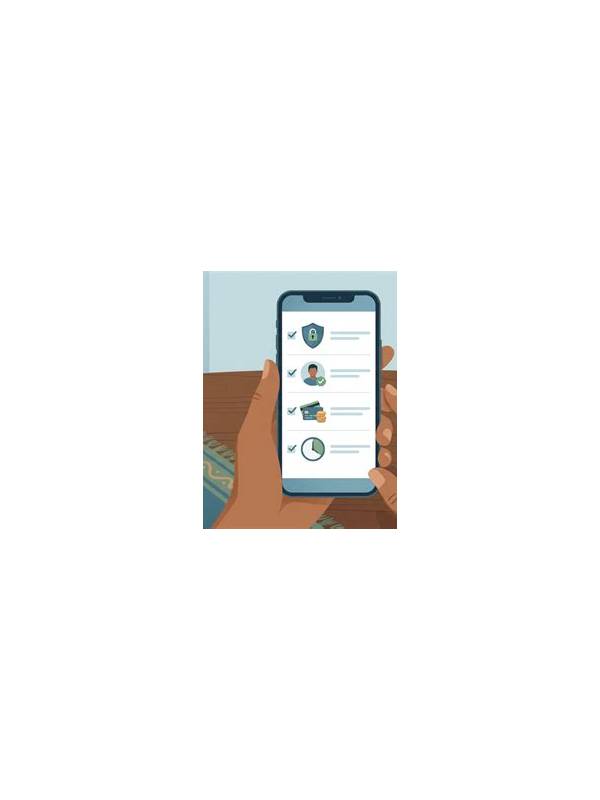
A shared device changes the safety checklist for online rummy. Another person may have access to the browser, saved sessions, screenshots, notifications, or downloaded files. Logging out is important, but it is only one part of closing the session safely.
Finish the active table first and confirm that no action is still pending. Do not close an app while a reconnect or transaction message is on screen. After returning to the account area, use the service’s normal sign-out control. If it offers a “log out all devices” option and you recognize the setting, review it carefully before using it.
Check for persistence. Look for a remembered-account toggle, saved browser password, autofill entry, or biometric prompt that another user could trigger. Remove only your own saved session information according to the device’s normal settings. Do not delete other people’s accounts or files. On a shared browser, use a separate profile or private session in the future when the service supports it.
Review visible traces. Clear notification previews from the lock screen, close recent-app cards, and inspect the download folder for screenshots or receipts. Avoid storing identity documents or payment confirmations on a shared device. If you used support chat, sign out there too and make sure the conversation did not expose sensitive data in a notification.
Use a simple closeout order: finish, sign out, check persistence, close windows, and lock the device. If the device is lost or another person accessed the account, use the service’s verified security process from a trusted device. Do not send passwords or codes to anyone claiming to help in chat.
Make the routine automatic without making it rushed. A written five-step checklist beside the device can help. Shared-device safety is about reducing opportunities for accidental access, not assuming bad intent. Keep spending boundaries and account alerts active so unusual activity can be noticed promptly.
Related Post
Rummy Comparison: Fast Review Versus Detailed Review
Fast and detailed hand reviews serve different purposes, so choose the depth that matches your [...]
Rummy Guide: Separate a Useful Signal From a Coincidence
Learn a practical way to judge whether a visible table pattern should influence your next [...]