Rummy Safety: A Pause Before Changing Account Settings
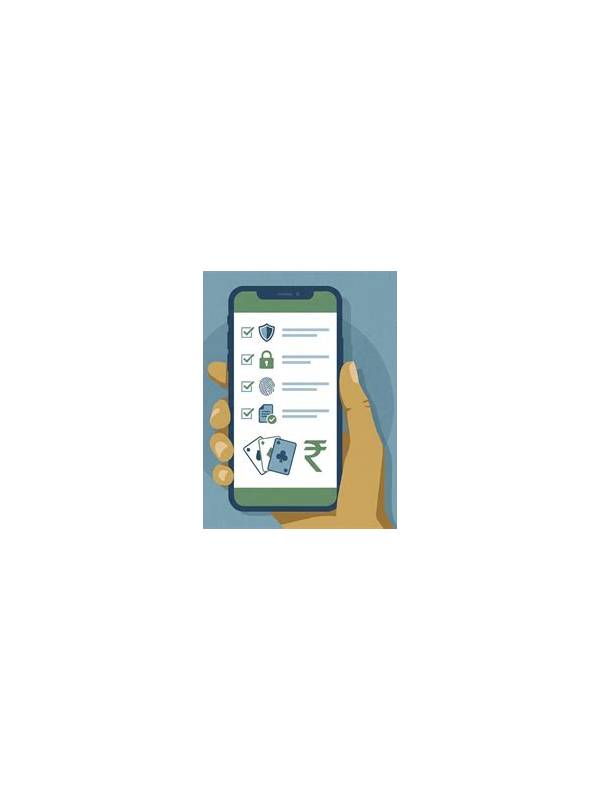
Account settings are easy to overlook during an active session. A banner, message, or unexpected prompt may encourage an immediate change to a password, payment method, phone number, or notification option. A deliberate pause helps separate a legitimate maintenance task from a request that deserves verification.
Begin by leaving the table if the change is not urgent. Decisions made between turns are vulnerable to time pressure, distractions, and accidental taps. Open the account area through the app’s normal navigation instead of following a link in a chat message or pop-up. Check the displayed domain or app identity carefully if a browser opens.
Identify exactly what is being changed. A password reset, identity detail, payment instrument, and marketing preference have different risks. Read the confirmation screen, including account identifiers and fees, before submitting. If the request is vague or asks for information unrelated to the stated purpose, stop and use the official support route.
Never send a password, one-time code, recovery phrase, or full payment secret to another player or to an unverified contact. Genuine support processes may ask you to complete a protected form, but you should not copy sensitive codes into ordinary chat. Use device security features and keep notifications from exposing verification messages on a shared screen.
After a change, review the account activity page if one is available. Confirm that the expected setting changed and that no unfamiliar device, withdrawal destination, or contact detail was added. Save a neutral record of the date and action, but do not store secrets in game notes. If anything looks wrong, secure the account using the provider’s official recovery process and contact support through a verified channel.
The pause routine is simple: leave the table, navigate independently, identify the exact change, verify the requester, submit only through a protected screen, and review afterward. It costs a minute and reduces the chance that excitement or urgency will turn a harmless session into an account-security problem.
If another person is helping you troubleshoot, let them explain the steps without taking control of the account or device. You should enter sensitive information yourself in the protected interface. Keep recovery contacts current through the provider’s settings, and use a unique password where supported. Small boundaries make routine maintenance safer even when the prompt appears convincing.
Related Post

Rummy Guide: Practice Recognizing Dead Cards
Dead-card practice teaches you to spot cards that no longer have a realistic route into [...]
Rummy How-To: Create a Simple Endgame Checklist
Use a short endgame checklist to prevent avoidable declaration and scoring errors. [...]