Rummy Safety: Protect Your Attention From Notification Noise
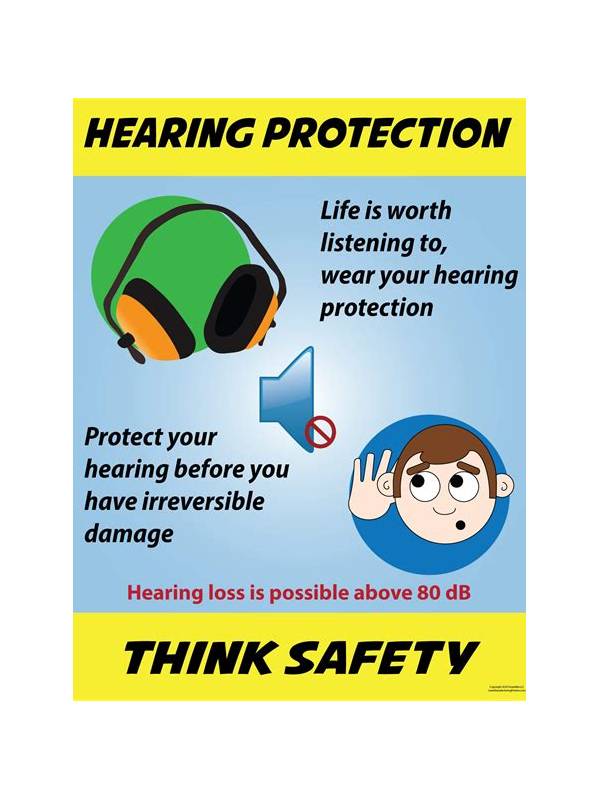
Notifications can disrupt more than concentration. A banner, call, or message can make you miss a turn, tap the wrong control, or reveal private information on a shared screen. Preparing the device is therefore part of a safe and responsible session.
Start with a focus or do-not-disturb mode. Allow only essential calls if you need to remain reachable, and silence nonessential application alerts. Check whether the mode hides notification previews; a silent alert that still displays sensitive text may not solve the privacy problem.
Review the screen environment. Play where other people cannot easily read account details, balances, or messages. Increase text size or brightness only as needed, since excessive brightness can cause fatigue. Keep the device stable and charged so a rushed movement or low-battery warning does not interrupt a hand.
Handle interruptions with a rule. If a call arrives, pause only where the platform and table rules permit it. Do not make a quick decision while reading a message or walking. If the session cannot be paused safely, finish the available action deliberately or leave according to the platform’s stated process. Knowing the rule beforehand reduces panic.
Protect your account as well as your attention. Avoid using public Wi-Fi for sensitive account actions when a safer connection is available, and do not share screenshots that include identifiers or transaction information. Never install an unofficial utility that promises to remove ads or improve play; it may request unnecessary permissions.
After the session, restore normal notification settings and check that no private previews remain visible on the lock screen. These steps are small, but they protect focus, privacy, and decision quality. A safer setup lets you evaluate the cards in front of you instead of reacting to everything happening around the device. Consider accessibility too. If a notification interruption makes it hard to return to the hand, enable larger controls or a clearer display before starting. Take regular eye breaks during longer sessions and stop if discomfort affects concentration. Safety includes physical comfort and reliable attention, not only account protection. A player who cannot comfortably read the screen should pause rather than guess. Keep payment and account-management tasks separate from play when possible. Handle them only after reviewing the platform’s controls and privacy notices, never in the middle of a distracted hand. If an alert concerns security, stop and verify it through the official application or website rather than following an unexpected message link. A quiet device is useful, but cautious account habits remain essential.
Related Post
Rummy How-To: Review the Last Five Discards
A focused look at the most recent discards can improve awareness without requiring you to [...]
Rummy Tips: Use a One-Sentence Plan Before Drawing
A one-sentence plan keeps each draw connected to a clear purpose and makes changes of [...]