Rummy Safety: Protect Your Screen During Public Play
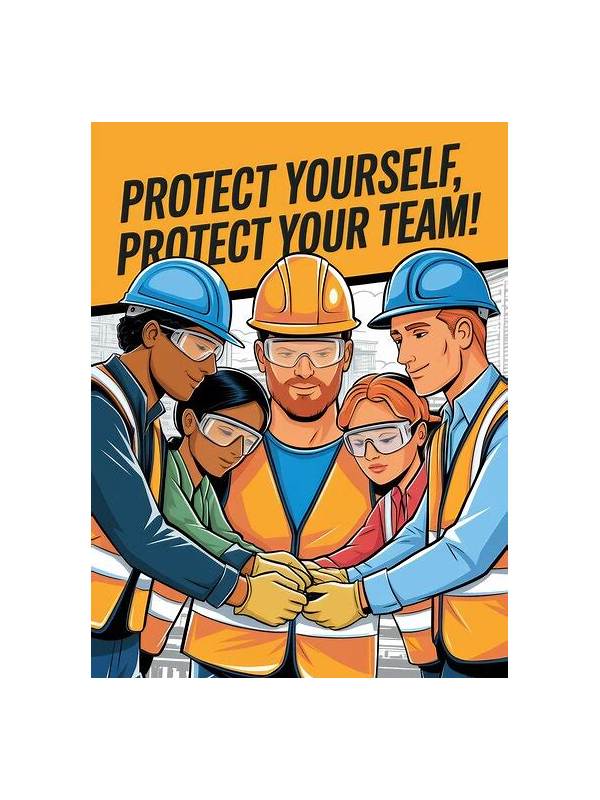
Playing on a phone in a café, transit area, or shared office creates a privacy risk that has nothing to do with the cards. Nearby people may see a hand, an account identifier, a notification, or a payment screen. Protecting the screen is part of responsible digital play, especially when the device contains personal information.
Start with positioning. Hold the screen where it is less visible from behind and avoid playing with the device flat on a public table. A privacy screen protector may help, but it does not replace awareness. Check reflections in windows and glossy surfaces as well as direct sightlines.
Next, control notifications. Incoming messages can reveal names, previews, and one-time codes while the game is open. Use a focus or do-not-disturb mode that hides previews, and remember to restore normal settings later. Do not enter sensitive information while people are watching. If a transaction or account change is needed, wait for a private place.
Use a lock screen and short auto-lock period. Keep the operating system and the game application updated through trusted channels. Avoid connecting to an unknown network for account or payment activity; a game session can wait until the connection is reliable. Never let another person “help” by taking control of the device or installing an unverified utility.
Be careful with screenshots and screen recordings. They can capture cards, usernames, balances, and chat messages. Store them only when there is a clear purpose, and remove them when no longer needed. Before sharing a support image, cover unrelated personal details and verify the recipient through an official channel.
The safest choice is sometimes to stop. If the screen is exposed, the environment is distracting, or the device must be handed to someone else, leave the table according to the platform’s rules. Privacy is easier to preserve before information leaks than after. A short break costs less than recovering an exposed account or payment detail.
Make a quick environment check part of the routine: who can see the screen, which notifications are enabled, and whether the network is trustworthy. If any answer is uncertain, play only a low-sensitivity practice session or wait. A convenient location is not worth exposing account information, private conversations, or payment details.
Also check what remains visible after leaving the application. Clear recent previews and lock the device before setting it down. These habits are ordinary, but they matter because privacy failures often happen between turns rather than during a deliberate account action.
Related Post
Rummy Comparison: Low Cards Versus High Cards in a Flexible Hand
Compare the practical strengths and weaknesses of low and high cards before deciding what to [...]
Rummy Hand Geometry: See Open Spaces Before Choosing a Meld
Learn how to use the empty spaces around your cards to choose a practical meld [...]