Rummy Safety: Review App Permissions Before a New Session
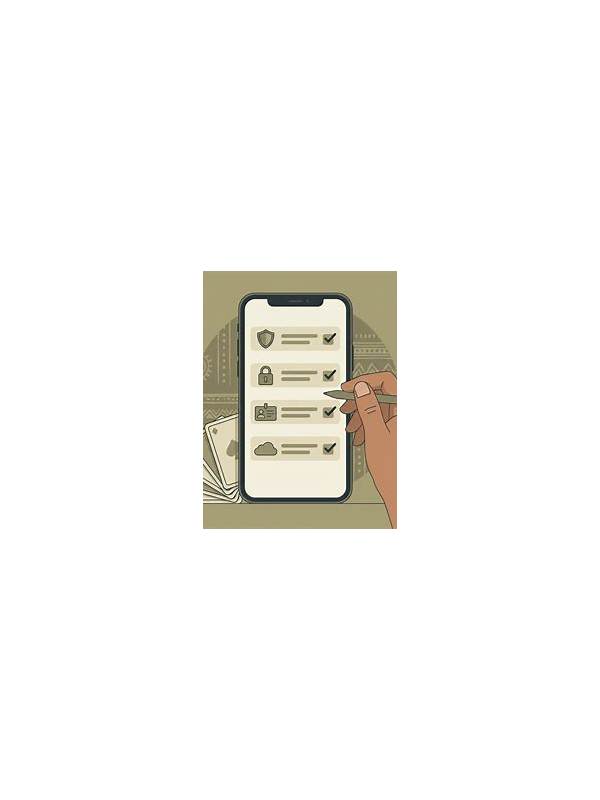
Changing phones, tablets, or networks is a good reason to pause before signing in to an online rummy account. The purpose of a pre-session device check is not to create technical anxiety. It is to confirm that the device, connection, and application are under your control and that you understand what will happen if the session is interrupted.
It is also wise to check the physical environment. Lock the screen when stepping away, prevent other people from viewing payment screens, and avoid leaving an active account open on a shared device. Use a unique password stored in an approved password manager when the service supports one, and enable its normal security features. These habits do not guarantee that every service is trustworthy, but they reduce simple mistakes that can become difficult to resolve during an active session.
Start with the device itself. Install system updates from the device’s normal settings and remove applications you do not recognize. Review the permissions requested by the rummy application, especially access to contacts, messages, accessibility controls, and stored files. A game should not need unrelated access simply because it is being used on a new phone. If a permission is unclear, check the developer’s official documentation or choose not to continue until you understand it.
Verify the application source and identity. Avoid links sent through unsolicited messages, urgent pop-ups, or unfamiliar download pages. Compare the application name, developer information, and published version with a trusted official source. Do not disable security protections just to complete an installation. If the application asks for account credentials through an unusual form, stop and investigate independently.
Then test the connection without joining a paid table. Check whether Wi-Fi or mobile data is stable, and make sure the device has enough battery. If you are using public Wi-Fi, avoid entering financial information until you can use a more trusted connection. A private connection is not a guarantee of safety, but it reduces avoidable exposure.
Finally, know the recovery path. Locate the in-app help area and note how to report a failed transaction, frozen screen, or duplicate charge. Never share one-time codes, passwords, or full payment details with a person claiming to provide support. Use the service’s official support channel and keep a neutral record of the time and error message.
A new device should make access convenient, not pressure you into shortcuts. If any part of the setup feels rushed or unclear, postpone the session. Protecting the account and your personal information is more important than joining immediately.
Related Post
Rummy FAQ: Should You Keep Two Cards That Need the Same Connector?
Keeping two connector-dependent cards can be sensible when they serve different routes, but concentration risk [...]
Rummy Safety: Keep Practice and Paid Play Separate
Separating free practice from paid play keeps learning goals and spending decisions from becoming confused. [...]