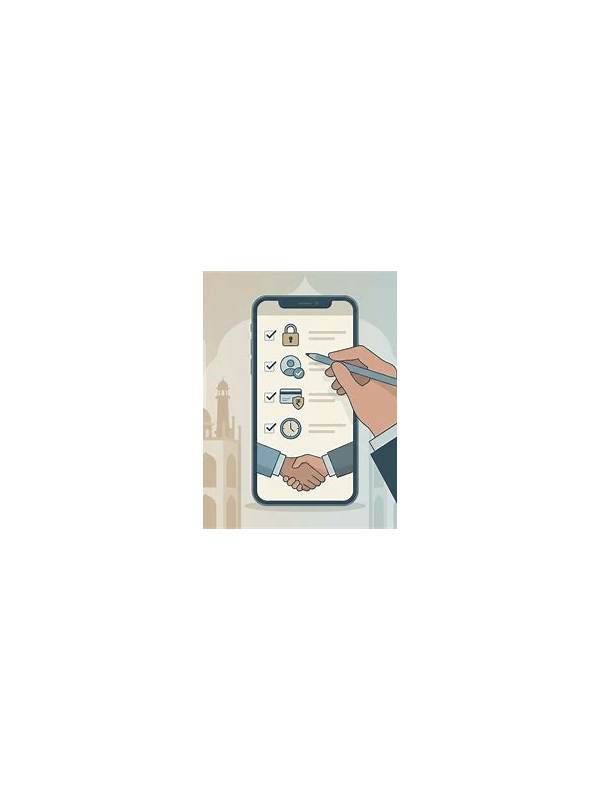
Rummy Safety: Use a Separate Device Profile for Game Apps

A separate device profile can be useful when a phone is shared, used for work, or carries sensitive personal information. It does not make an app trustworthy by itself, but it can reduce accidental exposure and make permissions easier to review. Availability differs by operating system, so check the device’s official settings rather than installing an unknown profile tool.
Begin by deciding what the profile is meant to protect. You may want to keep game notifications away from work, prevent another person from opening an account, or separate saved screenshots from private documents. A clear purpose helps you choose the smallest practical setup. Do not copy every account into a new profile without understanding how data and sign-in sessions are handled.
Use a strong device lock and keep recovery information current. A separate profile with a weak PIN is not meaningful protection. Avoid sharing unlock codes, and enable the platform’s normal security updates. If the device supports app isolation or a guest mode, read how it handles storage, notifications, and payment applications before relying on it.
Review permissions inside the profile after installation. A card game generally should not need broad access to contacts, unrelated files, or continuous location tracking for ordinary play. Some permissions may be optional, while others may be required for a specific feature. Deny access that is not needed, then test whether the app still works. If an app refuses to operate without unrelated access, pause and investigate the publisher and distribution source.
Keep account boundaries clear. Use a distinct password for the game account, avoid saving payment details on a shared profile, and never enter credentials into a link sent through an unverified chat. A separate profile is not a reason to ignore suspicious prompts. It is only one layer in a broader safety routine.
When you stop using the app, sign out if the device may be accessed by others and remove the profile only after checking whether it contains records you need. Also review the profile periodically: permissions, installed updates, notification previews, and recovery options can change. Good isolation reduces the impact of mistakes, but careful account and device habits remain the main protection.
If you are unsure, take a screenshot without opening the link and consult the platform’s documented support route later. Do not forward the prompt to friends as if it were verified, because a suspicious link can spread through helpful-looking warnings.
Related Post
Rummy FAQ: Why Do Isolated Cards Matter So Much?
An isolated card consumes space, may carry penalty points, and often signals that the hand [...]
Rummy Strategy: Evaluate a Joker’s Opportunity Cost
Thinking about what a joker prevents you from doing can lead to better decisions than [...]