Rummy Safety: Set Notification Boundaries for Play
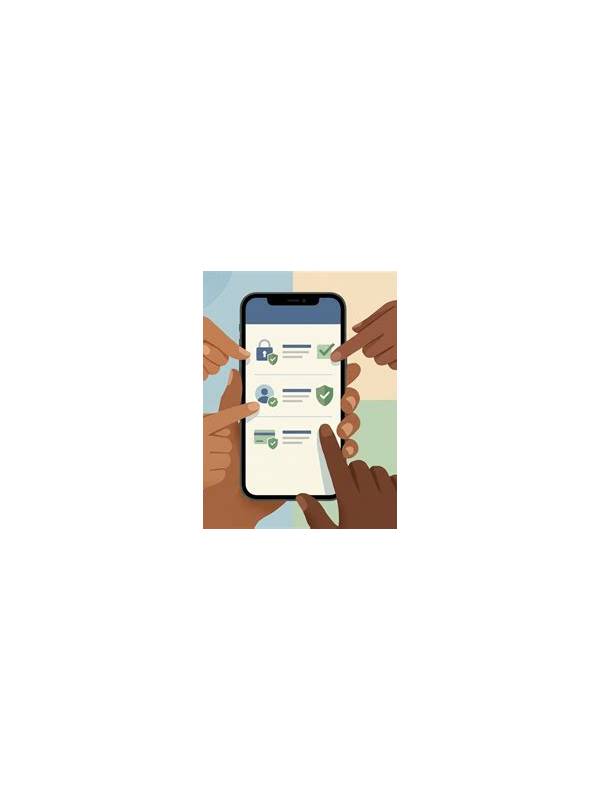
Rummy Safety: Set Notification Boundaries for Play
Notifications can be convenient, but constant prompts can also turn a planned session into an unplanned habit. Setting boundaries before opening a rummy app helps keep play separate from work, sleep, and other responsibilities.
Start by reviewing which alerts are enabled. A useful notification may tell you about an account action or an important service message. Promotional reminders, limited-time offers, and repeated invitations are different: they can create urgency without adding information needed for safe play. Disable categories you do not need, and check whether the app has separate marketing preferences in its account settings.
Choose a quiet schedule. Do not allow game alerts to interrupt sleep, driving, study, work, or time with family. Most phones can silence an app during selected hours. If a device is shared, consider whether notification previews reveal your account name, balance, or activity on the lock screen. Hiding sensitive previews protects privacy.
Create a starting rule as well as an ending rule. A starting rule might be “only open the app after planned tasks are finished.” An ending rule might be a timer, a fixed number of hands, or a predetermined spending limit. The rule should be decided while calm, not after a loss or an exciting win. If the app makes it difficult to pause, log out and remove the shortcut from a prominent home-screen position.
Review messages carefully. Do not follow an unexpected payment or verification link from a notification. Open the official app or a known support channel instead, and never share one-time codes or passwords. Update the device and app through trusted sources, particularly if an alert asks you to install an unknown file.
A boundary is working when you can ignore a prompt without feeling that an opportunity is disappearing. If alerts repeatedly cause stress, sleep disruption, or unplanned spending, turn them off completely and take a longer break. Responsible play includes protecting your attention, not just protecting an account. Local laws, age rules, and the platform’s terms also apply. Tell people who share your device that notifications may be silenced, and check that important personal alerts remain available through a separate channel. If you use a work phone, follow workplace policy before installing or enabling gaming software. A boundary should fit your real life rather than depend on perfect self-control. Review it after a week: if the schedule still allows interruptions, make the quiet period longer or use a full digital-wellbeing limit. Small adjustments are easier before a habit becomes difficult to change.
Related Post

Rummy Comparison: Immediate Clarity Versus Maximum Flexibility
Choosing between a clear group and a flexible holding pattern depends on timing, alternatives, and [...]
Rummy FAQ: Why Do Isolated Cards Matter So Much?
An isolated card consumes space, may carry penalty points, and often signals that the hand [...]