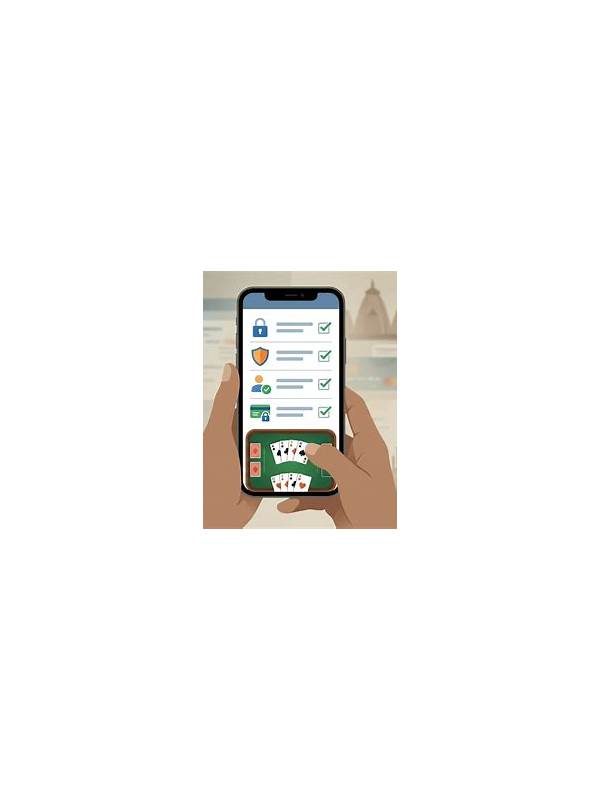
Rummy Turn Timers: Make Fast Decisions Without Rushing

Online rummy often places a clock beside each turn. A timer changes the task: you must evaluate the hand and operate the interface before the countdown ends. The answer is not to panic or to spend the entire turn calculating. A short routine gives you speed with fewer avoidable errors.
Use the first seconds to identify the decision type. Are you choosing between the stock and a visible discard, selecting a card to discard, or checking a declaration? Naming the task reduces the temptation to rearrange the whole hand immediately. If the decision is only a draw, make that choice first and use the new card to reassess.
Next, scan for fixed priorities. In many rummy formats, a required sequence or a valid grouping matters more than a small improvement in point value. Check whether a card completes a needed structure, whether it preserves two useful connections, and whether it leaves an obvious high-value singleton. This three-part scan is quicker than comparing every possible arrangement.
Create a safe operating habit. Before pressing a final button, confirm that the selected card is the one you intend to discard. On a small screen, a tap can land next to the target. Keep your finger away from the action area while thinking, and avoid switching apps during the timer. If the table allows sorting, use one consistent arrangement so the hand remains familiar.
Practice the routine outside a live table. Deal a few random cards and give yourself twenty seconds to state the best current plan and one fallback. The exercise builds recognition, not a promise that you will always find the perfect move. Gradually shorten the time only if accuracy stays steady.
If the timer repeatedly makes you uncomfortable, choose slower tables or practice formats when available. A rushed session is poor training because every decision becomes an emergency. Good time management means acting promptly, checking the important detail, and accepting that some uncertainty cannot be removed before the clock reaches zero.
If you make a mistake under time pressure, record the type rather than replaying the entire hand. Was it a recognition error, an interface error, or a choice you made with incomplete information? Each category has a different remedy. Recognition improves through practice; interface errors may require a slower layout or larger text; incomplete information is unavoidable and needs acceptance. This approach turns the timer into a training constraint instead of a source of shame.
Related Post
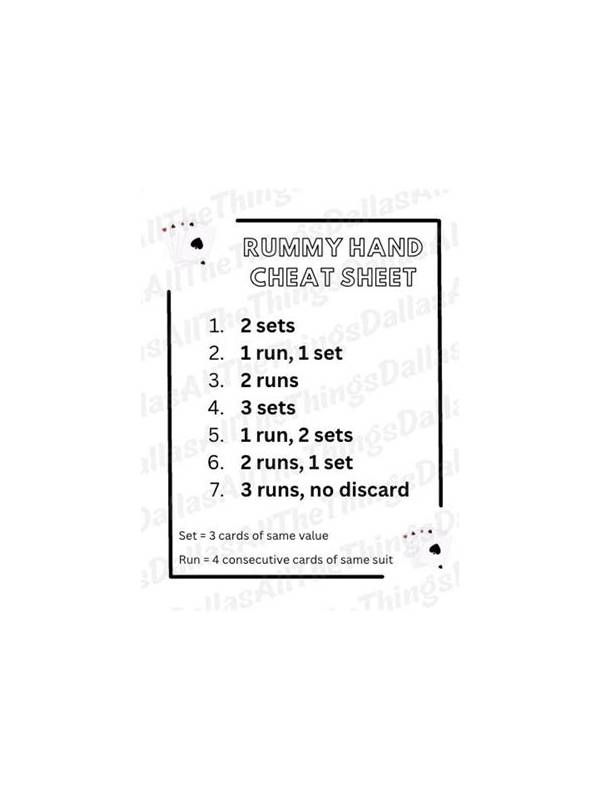
Rummy Guide: Use Suit Distribution to Read a New Hand
A practical way to use suit distribution as an early planning clue in an Indian [...]
How to Prepare Questions for Rummy App Support
Clear support questions help resolve account, payment, or game-history issues with less back-and-forth. [...]