Rummy Safety: Verify Device Date and Time Before Transactions
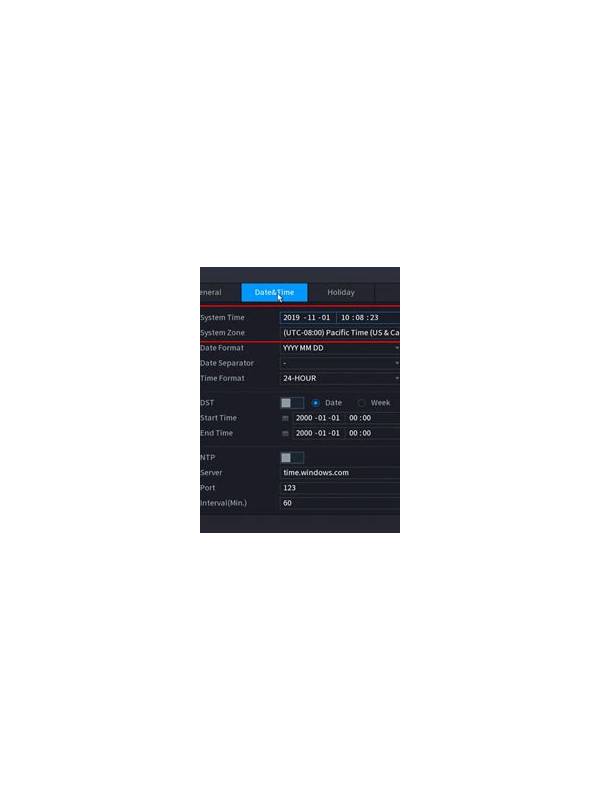
Before making an account or payment action in a rummy app, check that your device date, time, and time zone are sensible. An incorrect clock does not automatically mean a transaction will fail, but it can make security prompts, receipts, and support records harder to interpret.
Use the device’s normal date and time settings rather than changing the clock to chase a promotion or deadline. Manual clock changes can create confusing timestamps and may trigger security checks. If you travel, confirm the displayed time zone and remember that an offer’s stated closing time may be based on the service’s region, not your phone’s current location.
After a transaction, save the receipt or confirmation shown by the official app or payment provider. Check the amount, status, and timestamp. If the status is pending, do not immediately repeat the payment because a second attempt could create a duplicate charge. Wait for the documented status update or contact verified support through the app’s official route.
If the device clock is wrong, correct it before troubleshooting. Then record what happened in neutral terms: the displayed time, the action taken, and the confirmation received. Never send passwords, one-time codes, or full payment details to a person who contacts you unexpectedly.
This check is simple but valuable. Accurate time settings support clearer records, while careful confirmation prevents an uncertain screen from becoming a second transaction. When the interface and the receipt disagree, pause and use the official support process.
Also check whether the device displays a pending update or an unstable network connection. Neither condition proves a payment problem, but both are reasons to avoid repeated taps. Use the provider’s transaction history to confirm what happened. Screenshots can help your own record, but remove private numbers before sharing any image with support or storing it where others can access it. Keep the phone’s automatic time setting enabled when appropriate, and never change a clock to make an expired offer appear active. If a service requests unusual access to your device, stop and verify the request through its official help channel. A transaction record should explain what was charged and when; if it does not, preserve the uncertainty and wait for clarification instead of trying several fixes at once.
Related Post
Rummy Comparison: Scarce Cards and Repeated Cards
Comparing scarce and repeated cards helps players adjust their expectations across different rummy tables. [...]
Rummy FAQ: Why Can a Pair Be More Expensive Than a Singleton?
A pair may carry hidden opportunity cost when it blocks a stronger route or consumes [...]