Rummy Safety: How to Handle a Disputed Game Result

A disputed rummy result can be frustrating, especially when the screen changes quickly or a connection problem interrupts the final hand. The safest response is to preserve information, avoid impulsive payments or replays, and use the platform’s official support route. A careful process does not guarantee a favorable decision, but it gives the review team a clearer record and protects you from making the situation harder to understand.
Start by stopping related activity for a moment. Do not immediately enter another paid table to recover a disputed amount, and do not alter account settings while you are upset. If the game is still visible, note the table or contest name, approximate time, hand number, and the message shown on screen. Capture a screenshot only if it can be done without exposing passwords, payment details, or another player’s private information. Keep the original image unchanged so its context remains clear.
Next, separate what you observed from what you believe happened. An observation might be that the timer reached zero, the app displayed a disconnection notice, or the result page showed a particular score. An interpretation might be that the server failed, another player acted improperly, or the result was calculated incorrectly. Put observations first in your notes. This makes a report easier to verify and avoids presenting a guess as a fact.
Check the published rules for the relevant format. Some tables define how a disconnect, timeout, invalid declaration, or interrupted hand is scored. Read the current version rather than a cached explanation from a different site. If the rules answer the question, follow them even if the outcome is disappointing. If they do not answer it, mention that gap in your support request instead of claiming a violation you cannot establish.
Write a short support report with one issue per message. Include the account identifier requested by the platform, the table or game reference, time zone, approximate timestamp, and a plain description of the sequence. Do not send a password, one-time code, full payment-card number, or private recovery phrase. Use only official in-app or verified support channels; ignore messages that demand urgent payment or ask you to move the conversation to an unrelated account.
After submitting, save the ticket number and wait for the stated review period. Avoid opening many duplicate tickets, since that can fragment the evidence. If the response is unclear, reply with the missing factual detail and ask which rule was applied. Meanwhile, keep your session budget unchanged and take a break. A disputed result is a support problem to document, not a reason to chase losses or surrender account security.
Related Post
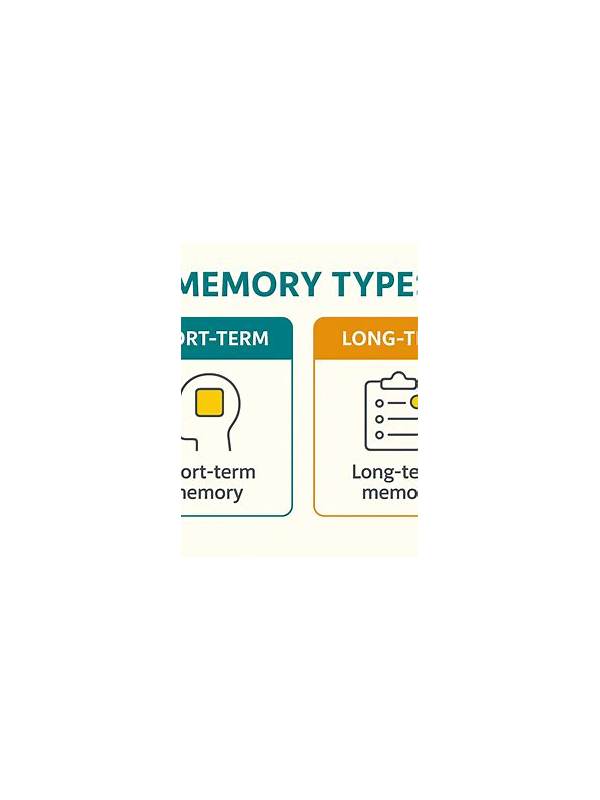
Rummy Comparison: Practice Notes Versus Memory
Compare written rummy practice notes with memory to find a review method that improves future [...]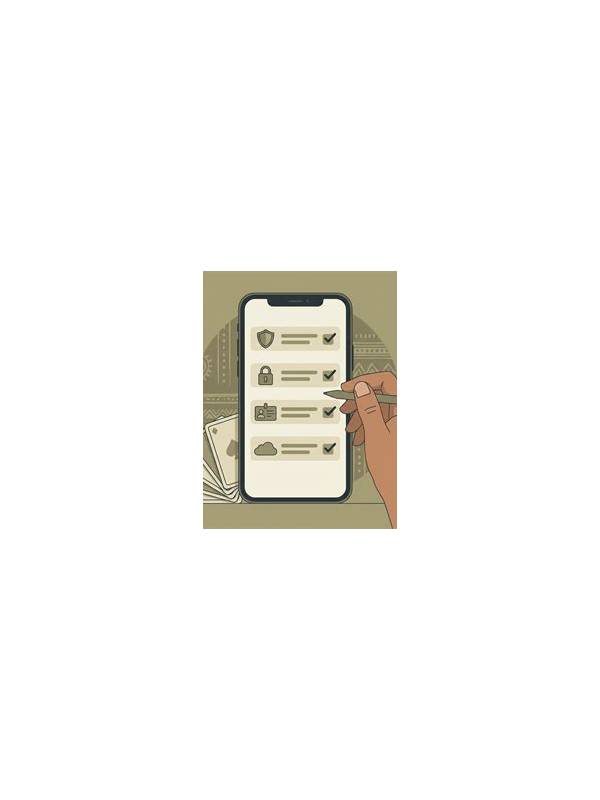
Rummy Guide: Build a Reliable Pre-Game Checklist
A short pre-game checklist reduces avoidable errors before attention turns to the cards. [...]