Rummy Safety: Create a Recovery Plan for a Lost Practice File
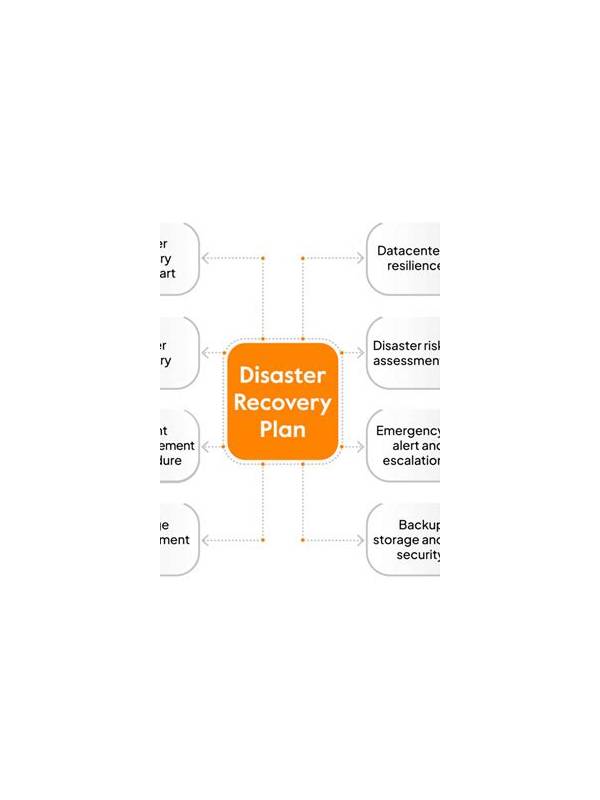
Practice records are easy to lose when they live on one phone or inside an unsaved browser tab. A recovery plan protects the lessons while keeping private account material out of unnecessary backups. The goal is selective continuity, not storing every screen forever.
Choose what deserves to survive. A short template, generic hand diagrams, rule references, and decision lessons are usually valuable. Screenshots containing names, balances, chat, notifications, or account identifiers usually need cropping or deletion before backup. Never make a backup copy of passwords, one-time codes, or payment details.
Use clear generic filenames such as “2026-09-27-hand-review-03.” Keep the original variant and source date in the text, not in a filename that exposes personal information. If you use cloud storage, review sharing permissions and avoid public links. A local copy on a protected device can be enough for simple notes.
Test recovery before you need it. Open a copy on another device or in a separate folder and confirm that the text, diagrams, and formatting remain readable. If the record depends on a proprietary app, export a plain-text or PDF version when appropriate. Do not install unknown recovery software merely to retrieve a practice file.
Set a retention rule. Keep current templates and a small set of representative lessons; remove duplicates and old screenshots that no longer teach anything. Review the folder after a month and ask whether each item contains a reusable insight. Less data is easier to protect and easier to search.
If a device is lost, change access to storage accounts through the provider’s official recovery process. Do not respond to unsolicited messages offering to restore files. Rebuilding a generic hand log is preferable to exposing credentials. A calm recovery plan preserves learning, limits data exposure, and keeps practice independent of any single device.
Keep one plain-text summary outside the main notebook containing only durable lessons, such as “check the variant before sorting.” Do not duplicate every hand. Review the summary occasionally and remove advice that no longer fits your rules or goals. If a backup service sends an unexpected sign-in request, reject it and open the service directly rather than following the message. Recovery is useful only when the recovery path is trustworthy.
Write the summary in ordinary text so it remains readable if a favorite app changes or disappears.
Keep it factual, compact, and easy to rebuild.
Review access settings after every backup change.
Related Post

Rummy Tips: Use a Fixed Review Order
A fixed review order makes rummy decisions calmer by reducing repeated checking and missed requirements. [...]
Rummy FAQ: Can a Low-Point Card Still Be Dangerous?
Low points reduce scoring risk but do not guarantee that a card is safe to [...]