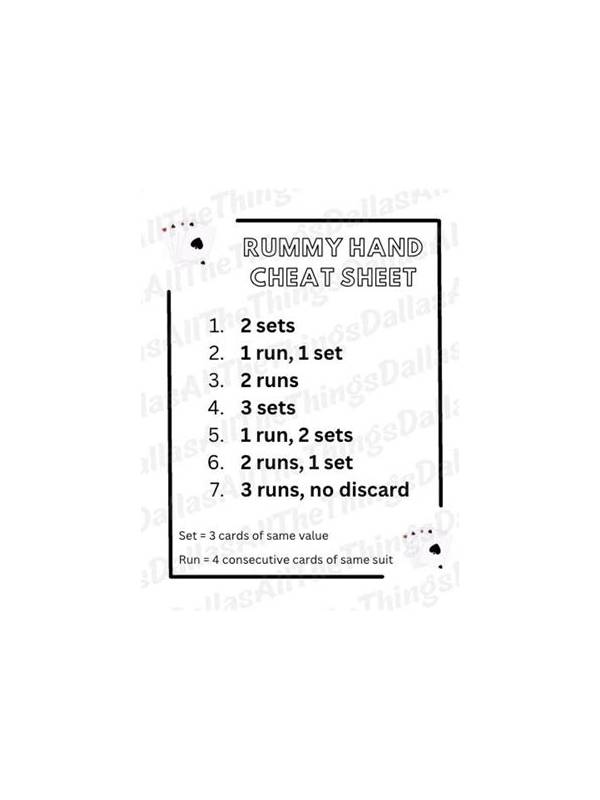
Rummy App Notification Settings for Focused Sessions
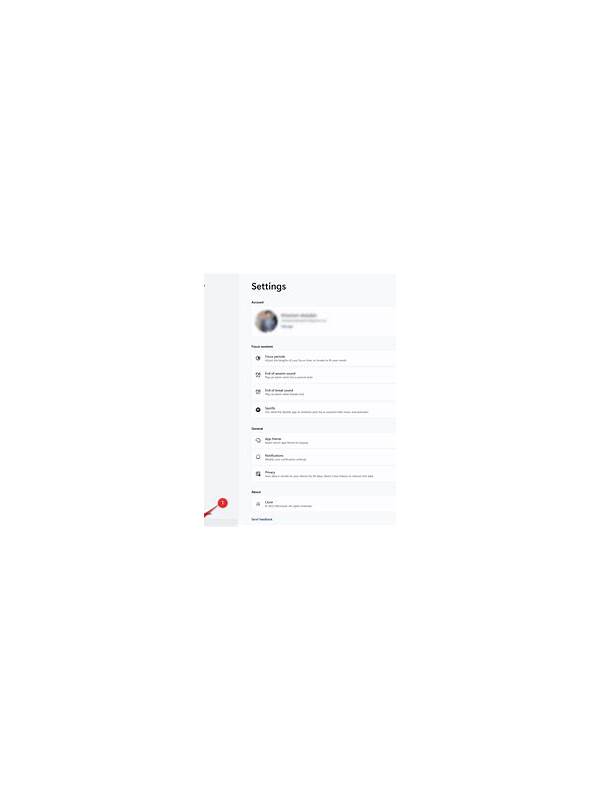
Notifications can be helpful when they announce a turn or account event, but a crowded phone can also pull attention away from the table. Before a rummy session, review which alerts are necessary and which ones encourage unnecessary return visits.
Begin with security alerts. Keep notifications for new sign-ins, password changes, payment activity, and important account messages. These alerts should be distinguishable from promotional messages. If the app lets you choose categories, use a quiet but visible setting for security events and disable marketing alerts that are not needed.
Next inspect gameplay reminders. Turn notifications may help in a timed match, but repeated reminders can become stressful when you are taking a planned break. Use device focus mode or a schedule that matches the hours you actually play. If the platform offers session reminders, keep them active and give them a clear sound or banner so they are not confused with promotional prompts.
Review message previews on the lock screen. A preview can reveal account information to anyone who can see your phone. Hiding content while keeping the alert visible is often a sensible compromise. Also check whether notifications appear on a paired watch, computer, or shared tablet.
Finally, test the settings during a low-stakes or free session. Make sure you can still see essential turn information without enabling every alert. Keep the device’s operating system and app version current, and use only the official settings rather than unofficial notification tools.
Good notification design supports deliberate play: it tells you what requires attention, leaves quiet space for decisions, and makes breaks possible. Recheck settings after an app update because categories and defaults can change. Keep the session environment simple as well. Silence unrelated social and shopping alerts, place the phone where the screen is private, and avoid playing while driving or doing another task that requires attention. A notification setting cannot compensate for unsafe multitasking. If an alert interrupts a timed turn, follow the platform’s documented reconnection process and contact support with the relevant time and table details. Clear boundaries make notifications a useful layer instead of a source of pressure. Do a final notification audit after changing phones. Settings are often copied differently between operating systems, and a previously muted category may become active. Check banners, lock-screen previews, vibration, and sounds separately. A quiet session should still preserve security alerts and any reminder that supports the stop time you selected.
Related Post
Rummy FAQ: When Should You Keep a Pair?
This FAQ explains how to judge a rummy pair by flexibility, timing, and the surrounding [...]
Rummy Comparison: Early Flexibility Versus Late Certainty
The best balance between options and completion changes as a rummy hand moves toward its [...]