Rummy Safety: Keep Notifications From Interrupting Play
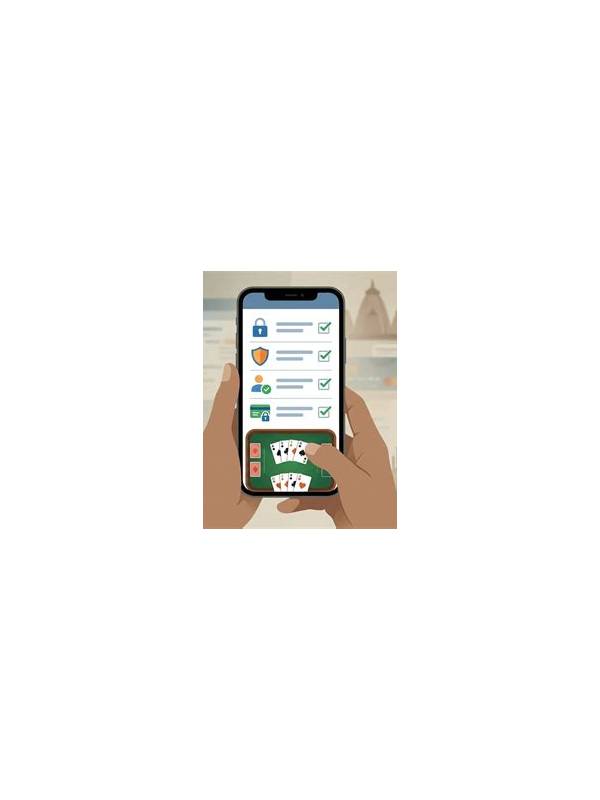
Notifications can disrupt a short rummy turn at exactly the wrong moment. A banner may cover the discard area, a vibration may prompt a rushed tap, or a message may pull attention away while the timer continues. A few simple device settings can make a session calmer and reduce avoidable mistakes.
Before starting, enable a suitable focus or do-not-disturb mode. Review its exceptions so that important calls remain available if you need them. The goal is not to isolate yourself from every alert; it is to stop routine promotions, social messages, and unrelated reminders from appearing over the game. If the app has its own sound controls, lower nonessential effects while keeping an unmistakable turn alert.
Check floating windows and chat overlays as well. Some devices allow apps to display controls above other applications. That permission can be useful for selected tools, but it may also create visual clutter or accidental taps. Disable overlays you do not need for the session, then restore them later if they serve a genuine purpose.
Use a stable surface and keep the phone positioned so that notifications are less likely to be triggered by accidental touches. Avoid playing while walking, traveling through traffic, or handling another task. Split attention is a safety issue as well as a strategy issue. If an urgent interruption arrives, pause or leave the table according to the platform’s rules rather than tapping randomly to beat a timer.
After the session, turn normal notifications back on and check whether the focus mode changed any important settings. Do not grant an unfamiliar app broad access merely because it promises better alerts. Review permission names and remove access that is not necessary for the feature you use.
Good device preparation is modest but valuable. It protects attention, reduces accidental actions, and makes it easier to judge decisions on their merits. The safest session is one in which the phone’s background activity supports your chosen break, rather than competing with it.
If you play on more than one device, repeat the check on each device rather than assuming one focus profile covers all of them. Review lock-screen previews as well; a message can reveal private account or table information even when you do not open it. Keep the session short enough that you can respond to important alerts afterward. A stable brightness level and larger text can reduce fatigue, too. Device safety is part of responsible play because attention, privacy, and physical surroundings all affect the quality of a decision.
Related Post

Rummy Safety: Read a Terms Change Before Your Next Session
Reviewing a terms change can clarify eligibility, fees, limits, and account procedures before you continue [...]
Rummy FAQ: Does a Complete Group Always Deserve Protection?
A complete group is valuable, but its role should still be checked against legality, flexibility, [...]