Rummy Safety: Keep Notifications From Revealing Your Play
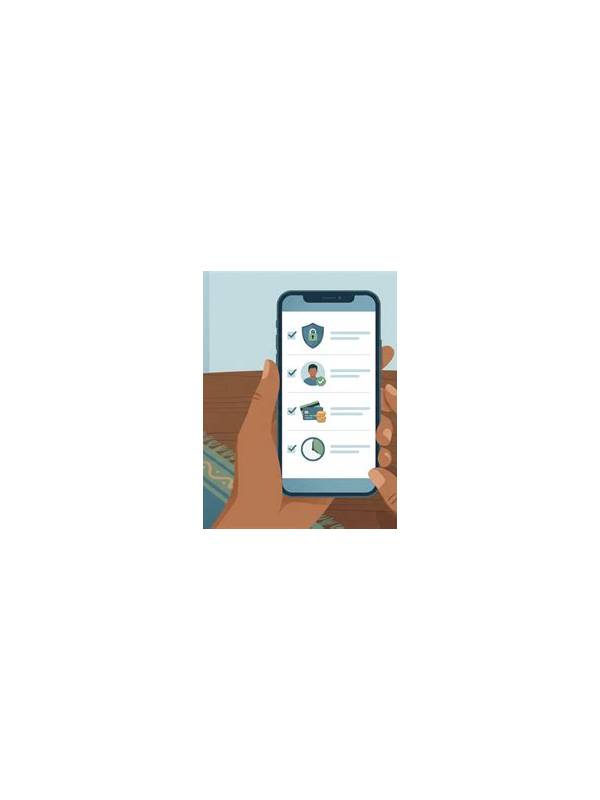
Notifications can reveal more than a message preview. A lock screen may show an account name, table invitation, balance alert, or part of a conversation while other people are nearby. Before playing rummy on a shared or public device, review how notifications appear and decide whether the convenience is worth the privacy risk.
Begin with lock-screen previews. Set sensitive apps to show no content, or use a private display mode if your device supports it. Check banners, sounds, vibration, and notification history as well. A sound may attract attention even when the text is hidden. If you use screenshots for practice notes, crop account identifiers and avoid storing images in a shared photo folder.
Review permissions inside the app and operating system. Notifications, contacts, storage, microphone, and accessibility access should each have a clear reason. An unfamiliar app asking for broad permissions deserves caution. Download software only from a trustworthy source, keep the operating system updated, and avoid entering payment or login details while using an untrusted public network.
Use a private screen position and lock the device when stepping away. Do not rely on a PIN being hidden if the screen remains unlocked. On a shared device, sign out when finished and check whether the app saved account details. Never share one-time codes or passwords with another player, even if a message appears urgent.
These checks do not make every platform safe, and they do not replace reading local rules or the service’s privacy terms. They simply reduce casual exposure. A few minutes of setup can protect both personal information and the boundaries of a friendly game. Check whether notification content can appear on a connected watch, car display, tablet, or desktop mirror. Turning off previews on the phone may not hide the same alert elsewhere. For teaching examples, use a fictional account and remove timestamps or transaction references. Privacy is easier to preserve when you decide in advance what never belongs in a screenshot. If the device behaves unexpectedly, close the app, lock the screen, and investigate permissions before resuming play. If you need notifications for ordinary work, use a separate profile or device for play when practical. Never install an unknown utility merely because it promises to hide alerts; check its publisher and permissions first. Keep sensitive images out of automatic cloud albums and delete temporary screenshots when the review is finished. These steps are not guarantees, but they reduce accidental sharing. Privacy also includes other players: ask before recording a private table and do not publish names or handles without permission.
Related Post
Rummy How-To: Mark Cards That Change Your Plan
A quick marking method highlights cards that should trigger a fresh hand assessment. [...]
Rummy Tips: Use a Card’s Exit Cost to Improve Discards
Thinking about exit cost helps you compare awkward cards without relying only on their printed [...]