Rummy Safety: Check Privacy Before Sharing a Problem Screenshot
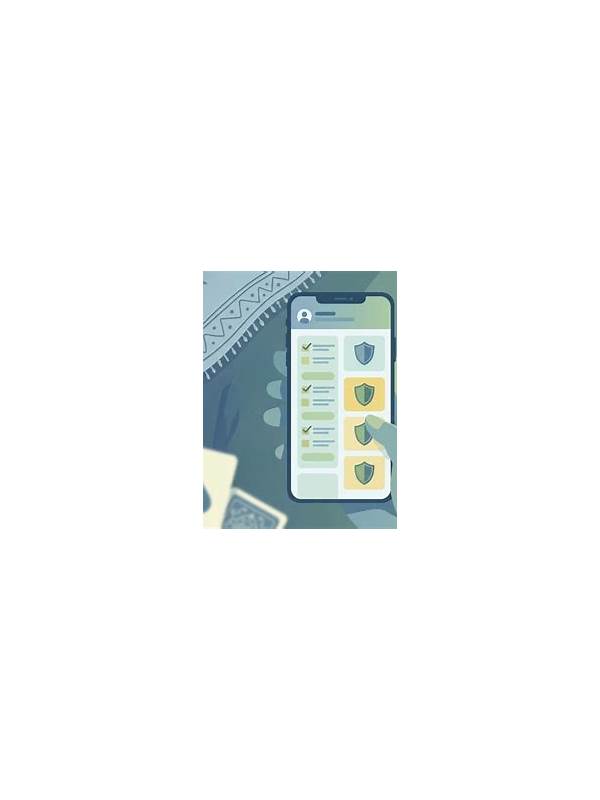
Screenshots are useful for explaining a display or connection problem, but they can reveal far more than the player intends. A quick privacy check should happen before an image is sent to support, posted in a group, or shown to another player.
Inspect the full screen, not only the area containing the error. Look for usernames, email addresses, phone numbers, account balances, transaction references, QR codes, notifications, and open tabs. A notification preview may reveal private information even when the app itself is safe. Crop or cover details that are not needed for diagnosis.
Check whether the screenshot includes a recovery code, payment identifier, or message from a support channel. Never share one-time codes or full payment credentials while asking for help. If an official support team needs a reference number, use the service’s secure form and follow its instructions rather than placing the number in a public discussion.
Verify the destination before uploading. A friendly group member or an account using a familiar logo may still be impersonating support. Navigate to the official help area independently, and be cautious if anyone creates urgency or asks you to install remote-control software. You can describe a problem without handing over device access.
After sharing, review where the image went and remove it from public locations if it exposed more than expected. Good screenshot hygiene is a small part of account security. The safest image contains only the evidence needed to explain the problem and nothing that can help someone identify, access, or pressure the account owner.
Related Post
Rummy FAQ: How Does Table Position Affect Your Attention?
Turn order does not decide a hand, but it changes the timing of information and [...]
Rummy Tips: Treat Unused Cards as a Search Problem
Thinking of unassigned cards as a small search problem can make hand review more practical. [...]