Rummy Safety: Protect Personal Data on Shared Devices
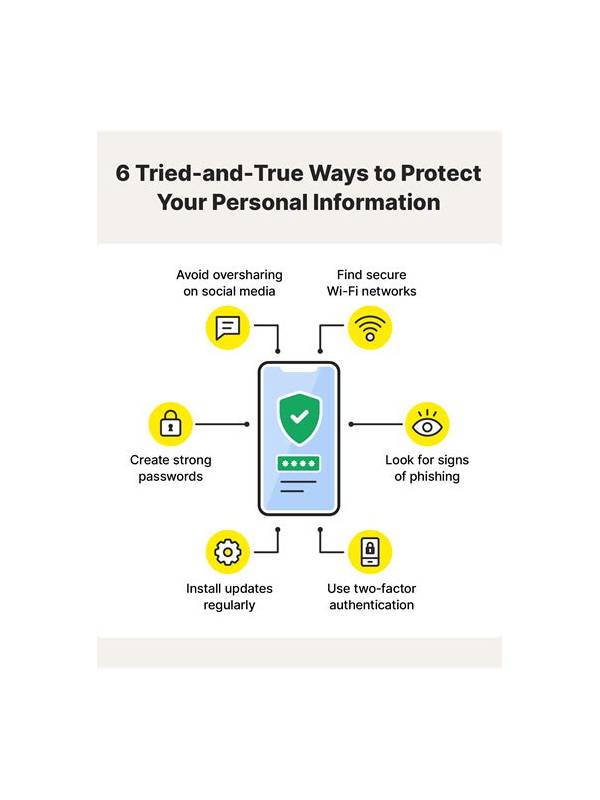
Playing on a shared phone or computer creates a different safety problem from playing on a private device. The concern is not only malicious access. A notification, saved login, screenshot, or open browser tab can reveal information to the next person who uses the device.
Before opening a game, check whether another account is active in the browser or app. Use the service’s normal account switch or sign-out process, and do not save credentials on a device that other people can access. Never type a one-time code where someone else can see it.
Review notifications. Message previews and payment alerts can appear on a lock screen or banner while you are playing. If the device belongs to someone else, ask whether notifications can be hidden through the device’s ordinary privacy settings. Avoid forwarding codes, receipts, or account screenshots into shared chats.
After play, close the game and any pages that contain account details. Check the recent-apps view and browser tabs, then remove temporary screenshots if they include balances, usernames, or personal information. Follow the owner’s normal cleanup policy; do not delete files that belong to someone else.
Payments deserve extra care. Confirm that the account, destination, amount, and payment method are yours before continuing. A shared device may contain another person’s saved method or autofill data. If a screen looks unfamiliar, stop and use the service’s official help path rather than experimenting.
Do not let another person “help” by asking for your password, verification code, or remote access. Genuine support should not need those secrets. If an account problem appears, record the non-sensitive error message and contact support through the verified in-app or official website channel.
Keep the checklist short enough to use: account, notifications, screen, payment, closeout. These five checks are more useful than a complicated routine that you skip. The goal is to keep play separate from other people’s data and to keep your private account details out of view.
If the device cannot provide reasonable privacy, postpone the session or use a device you control. Convenience is not a good reason to expose credentials or financial information. A safe session starts before the first card is dealt and ends only after the account and screen are closed.
Children and visitors may use a shared device without understanding what is visible. Lock the screen whenever you step away, and avoid leaving a game open in a public place. If the device has a guest mode or separate user profile, use the built-in feature rather than trying to improvise privacy controls. Small habits reduce accidental exposure.
Related Post
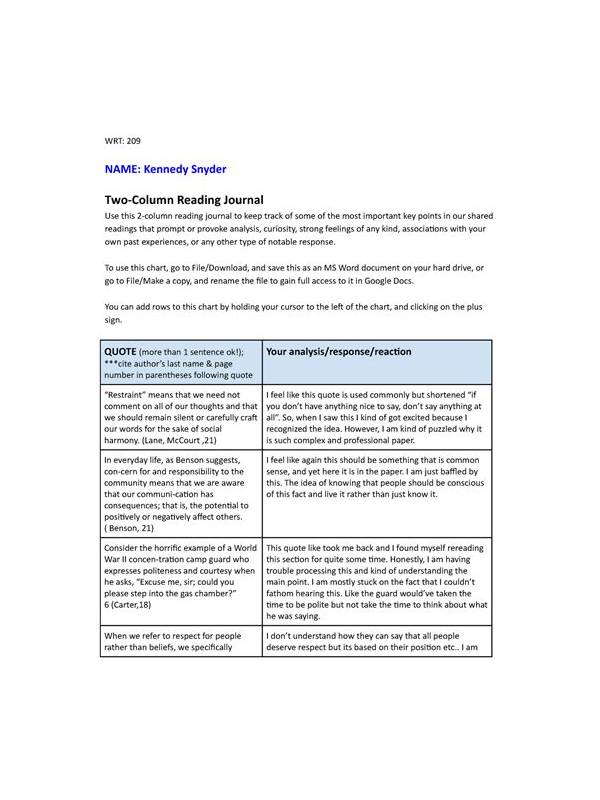
Rummy How-To: Use a Two-Column Draw Journal
A compact journal separates what a player expected from what the hand actually showed. [...]
Rummy Tips: Set a Stop Condition for a Failing Idea
Learn how a clear stop condition prevents one attractive but weakening rummy plan from consuming [...]