Rummy Safety: Protect Private Notifications While Playing
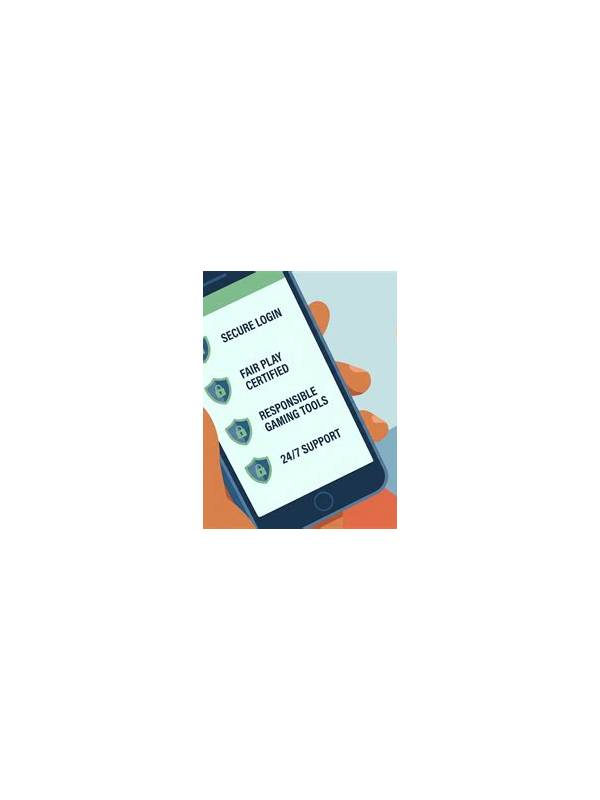
A public table does not need access to your private notifications. Message previews, verification codes, payment alerts, and contact names can appear on a shared or streaming screen without warning. A short privacy check before playing reduces this risk.
Start with lock-screen previews. Set them to hide sensitive content, especially if the phone may be visible to other people. If you use a tablet or a shared computer, sign out of unrelated messaging and mail accounts. Do not rely on the game window to cover every notification; operating-system banners can appear above it.
Review notification settings for the duration of a session. Focus or do-not-disturb modes can suppress banners while still allowing essential calls. Configure exceptions carefully and test the setting before entering a table. Avoid disabling security alerts permanently; the goal is temporary privacy, not reduced account protection.
Be cautious with screen sharing and screenshots. Before sharing a gameplay image for technical help, crop or mask usernames, balances, email addresses, and message previews. Use official support channels and follow their upload instructions. Never post a screenshot containing an authentication code or payment confirmation in public chat.
Physical privacy matters too. Use a viewing angle that limits shoulder surfing, especially on public transport or in a café. Lock the device when stepping away. If someone asks to borrow the phone during a session, close the game and protect the device rather than leaving an account open.
After playing, restore normal notification settings and check that the game did not gain unnecessary permission to read messages or display over other apps. Privacy habits should be routine and low effort. A quiet notification screen protects information that has nothing to do with the cards and helps you keep attention on the hand. If you play while traveling, check roaming and shared-network conditions as well. Avoid entering payment or account details over an unfamiliar network unless the platform provides a trusted secure connection. Privacy is a combination of screen settings, physical awareness, and careful choices about where sensitive actions occur. Families and workplaces often share devices, so use separate profiles where available. Remove temporary downloads after support is finished and review recent app access periodically. These small habits reduce the chance that a private alert remains visible long after the hand ends. For shared spaces, consider headphones only when they do not prevent you from hearing important environmental cues. Privacy should not create a safety hazard. The same balanced approach applies to brightness, screen angle, and the choice to pause a session when someone nearby can see the device.
Related Post
Comparing Short and Long Rummy Sessions for Better Practice
Choose a practice session length by matching it to your learning goal, attention, and review [...]
Rummy How-To: Archive a Session for Useful Review
Capture a few decision points after a rummy session so review builds skill without turning [...]