Rummy Safety: Spot Signs of a Cloned App
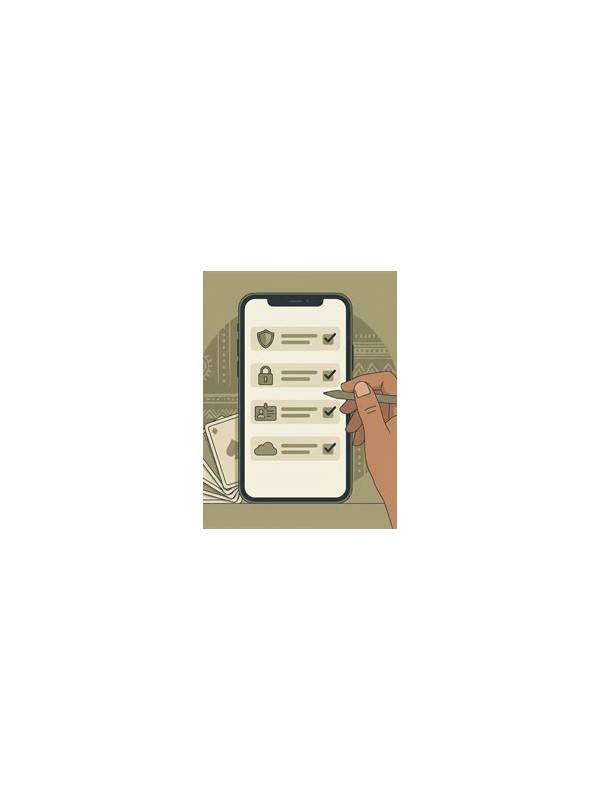
Before installing a rummy app, confirm that the software comes from a source you can verify. A copied name or familiar-looking logo is not proof of authenticity. Cloned apps may imitate a real service while collecting personal details, redirecting payments, or installing unwanted software.
Check the official route first. Use the service’s verified website or an established app store listing, and compare the developer name, support address, and privacy information. A link sent through an unsolicited message deserves extra caution. Look for subtle differences in spelling, domain names, icons, and promises. Treat pressure to install immediately as a warning rather than a reason to hurry.
Review permissions before accepting. A game may need network access and notifications, but unrelated access to contacts, messages, microphone, or device administration should have a clear explanation. Refuse optional permissions until you understand why they are needed. If the app will not function without excessive access, pause and investigate.
Be careful with payment and login screens. A trustworthy service should explain who processes payments and should not ask for passwords, one-time codes, or remote access through a chat message. A screen that redirects to an unfamiliar domain, asks for a full secret, or uses urgent language is a reason to stop. Close it and reach support through the verified channel.
If you already installed a suspicious app, do not enter more information to “unlock” the account. Disconnect it from sensitive permissions, uninstall it through normal device settings, update the device, and change affected passwords from a trusted device if necessary. Check account and payment activity through official providers. Seek local professional help if you believe financial information was exposed.
Keep evidence without spreading the app. Record the app name, source, and warning message, but do not forward the installation file to friends. Report the listing through the store or official support process. Safety begins before the first game: verify the source, limit permissions, protect secrets, and walk away when the software demands urgency.
Trust your ability to stop. You do not need to justify an installation that feels wrong, and you can seek advice without clicking further links. A genuine service should remain identifiable through independent channels. Taking a few minutes to verify an app is cheaper than trying to repair an account after private information has been exposed. Verification is a normal safety step, not an unnecessary delay before playing. Pause first. Then verify independently.
Related Post

Rummy FAQ: How Long Should You Hold a Speculative Pair?
Use support, opportunity cost, and a deadline to decide when a speculative pair has had [...]
Rummy Safety: Keep a Private Record of Session Limits
A private session record can help players notice when time, spending, or emotional limits need [...]