Rummy Safety: Verify App Permissions Before Creating an Account
An app can request access to device features that are unrelated to playing cards. Before creating an account, review what the app wants to access and whether each request has a clear purpose. A familiar brand name or attractive offer is not a substitute for checking permissions and the source of the installation.
Install only from a trustworthy, expected source and inspect the developer information. Avoid files shared through unsolicited messages, shortened links, or pages that pressure you to disable security settings. If an Android installation requires unusual steps, stop and verify the source through an independent official channel. Never bypass a device warning simply to reach a table quickly.
Read permissions one group at a time. Contacts, microphone, camera, precise location, accessibility controls, and notification access all deserve specific explanations. A card game may need network access and notifications, but that does not automatically justify access to contacts or unrelated files. Deny optional permissions initially and see whether the core service works without them.
Review privacy information before registration. Look for what data is collected, why it is collected, how long it is kept, and whether it is shared with third parties. A policy that is impossible to find or written in vague terms is a reason to delay. Use a unique password, enable available account protection, and avoid reusing credentials from email or banking services.
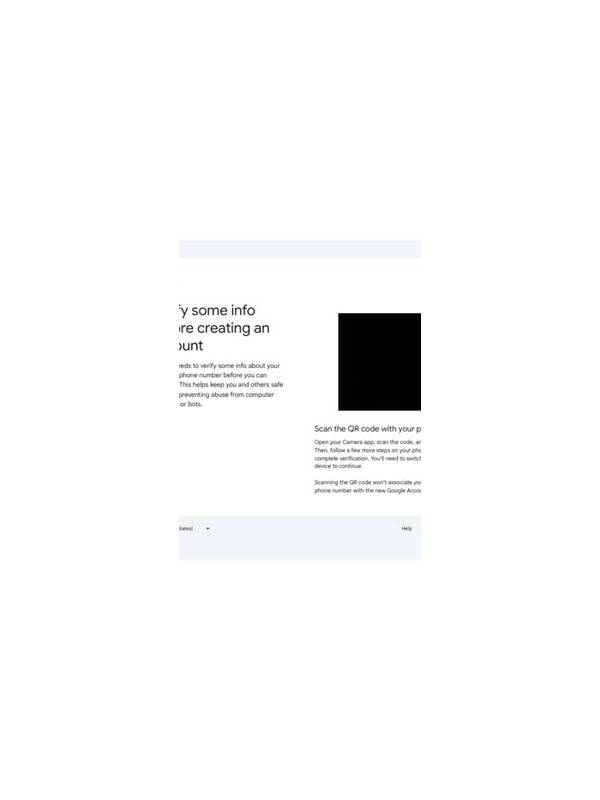
Be careful with payment and identity requests. Confirm that the address bar, app publisher, and support route match the expected service before entering anything. Do not send passwords, one-time codes, full payment details, or identity documents through informal chat. If verification is required, use the platform’s protected flow and understand why the information is needed.
After installation, review permissions again in device settings. Remove access that is not necessary, keep the operating system updated, and uninstall software that behaves unexpectedly. If an app requests more access after an update, read the change instead of accepting automatically. Security is a continuing check, not a single tap at installation. A few minutes of review can prevent a casual game account from exposing more personal data than intended.
Also check whether the app offers a clear way to delete an account and request data information. Keep security features enabled, and avoid unofficial helper tools promising faster access or extra rewards. Convenience software can create a larger risk than the game itself.
When in doubt, stop installation and verify the source.
Related Post

Building a Personal Rummy Learning Log
A lightweight learning log turns rummy sessions into reviewable evidence without encouraging excessive play. [...]
Rummy Grouping Test: Check Sets for Hidden Conflicts
Use a quick conflict test to keep one card from being counted in two groups. [...]