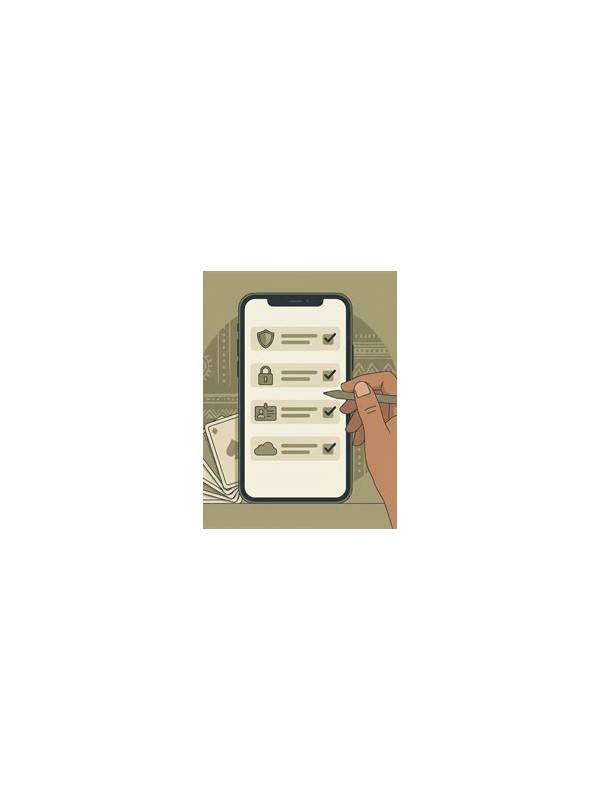
Rummy Safety: Recognize Pressure Tactics in Game Chat

Game chat can make an online table feel social, but it can also create pressure. A message that urges an immediate payment, requests private information, or claims special authority deserves caution. You can enjoy the game without answering every message or following another player’s instructions.
Watch for urgency first. Pressure tactics often use a short deadline: act now, send proof now, or lose a reward now. Legitimate platform notices should be visible through the normal account interface and should not require a stranger’s private link. If a message tries to move you away from the official app or support channel, pause and verify independently.
Be careful with requests for personal details. Never share passwords, one-time codes, payment credentials, identity documents, or a full account screenshot in table chat. Even harmless-looking information can be combined with other details. If someone asks for a phone number or payment transfer, decline and use the platform’s reporting function if the request continues.
Do not let a player’s confidence substitute for evidence. Claims such as “I am a moderator,” “everyone does this,” or “your account will be closed” should be checked through official help pages, not accepted because they sound authoritative. A real support representative should not need your secret login information in chat.
Set practical boundaries before starting. Mute chat if the feature exists, keep notifications private, and decide that no financial decision will be made during a live hand. If a message distracts you, leave the table after completing the current action rather than arguing. Save the message only through safe, built-in reporting tools; do not click suspicious attachments to investigate.
Safety also includes emotional pressure. Insults, dares, and claims that you must keep playing to recover a loss are reasons to take a break. You are allowed to stop, close the app, and review the situation later. A calm boundary protects both your information and your judgment. Treat chat as optional table conversation, never as an authority for payments, account access, or urgent decisions. If you are unsure whether a message is legitimate, close the conversation and navigate to support using the app’s own menu or a bookmark you already trust. Do not use contact details supplied by the sender. A few extra minutes of independent checking are cheaper than repairing an account exposed during a hurried exchange. Trustworthy communication leaves room for a calm refusal. You should never be punished for declining an unsolicited offer or moving a question to official support. If the sender becomes more urgent after you set a boundary, treat that escalation as additional evidence to disengage.
Related Post
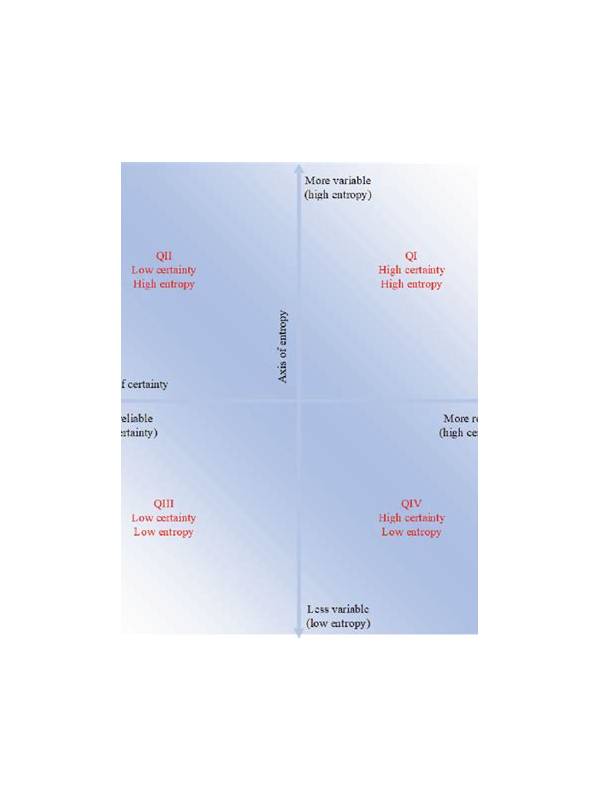
Rummy Comparison: Group Certainty Versus Group Potential
Compare a nearly legal group with a flexible idea by separating present certainty from future [...]
Rummy Bonus Expiry Dates: A Checklist for Reading Promotions
Rummy Bonus Expiry Dates: A Checklist for Reading Promotions offers practical guidance for clearer, safer, [...]