Rummy Safety: Check App Permissions Before Granting Access
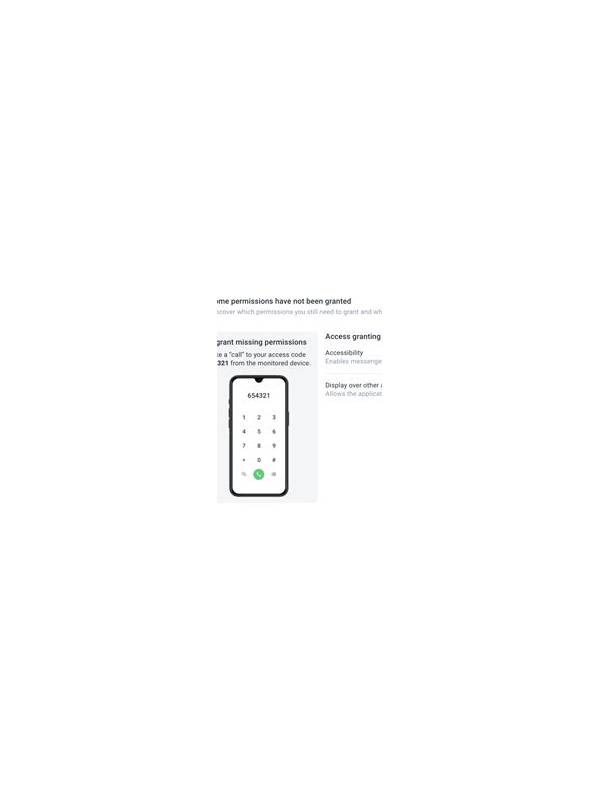
An app can request access to features that are not essential to a card game. Permissions do not prove that an application is unsafe, but they are useful signals to examine before installation and again after an update. A calm review is more valuable than accepting every prompt quickly.
Begin with the source. Prefer an official store listing or a publisher page whose address you can verify independently. Read the developer name, support contact, update history, and privacy explanation. Avoid treating a familiar logo or a search result as proof of authenticity. If the source is unclear, pause before downloading an installation file.
When the app requests access, ask what task requires it. Notifications may support game alerts, while contacts, call logs, or unrelated location access deserve closer questioning. Some permissions can be denied without preventing basic use. Choose the narrowest setting that fits your purpose, and do not grant access merely because the screen describes it as recommended.
Review permissions in the device settings after installation. Names and menus differ between Android versions, but the principle is consistent: inspect what is allowed, when it is used, and whether the permission can be limited to a single occasion. Recheck after major updates because features and requests can change.
Watch for warning signs around permissions. A game that refuses to explain a request, demands unrelated access before showing its main screen, or sends repeated prompts after denial deserves additional caution. Never disable the device’s security protections just to complete an install. A trustworthy support process should not require that shortcut.
Keep account security separate from permission review. Use a unique password where an account is necessary, enable available protection, and avoid entering financial details until you understand the service and its rules. If you uninstall the app, revoke its permissions first and review any account or payment connections afterward.
Permissions are one part of a broader safety check. Combine them with source verification, privacy reading, device updates, and a clear decision to stop if something feels inconsistent. Protecting access to your phone is more important than accessing one game immediately.
If you are uncertain about a permission, search the device documentation or the publisher’s verified privacy explanation rather than relying on a pop-up. Take a screenshot of a confusing request only if it contains no private account information. When reporting a concern, describe the permission and the app version without sending passwords, codes, or identity documents. Careful questions are a normal part of safe installation.
Related Post
Rummy Guide: Read Discard Patterns Without Guessing Too Much
Use discard patterns as cautious evidence while keeping your own hand decisions independent and disciplined. [...]
Rummy FAQ: Should You Keep Two Separate Pairs?
Separate pairs can be useful, but only when you compare their flexibility and deadline. [...]