Rummy Safety Guide: Check Permissions Before Installing an App
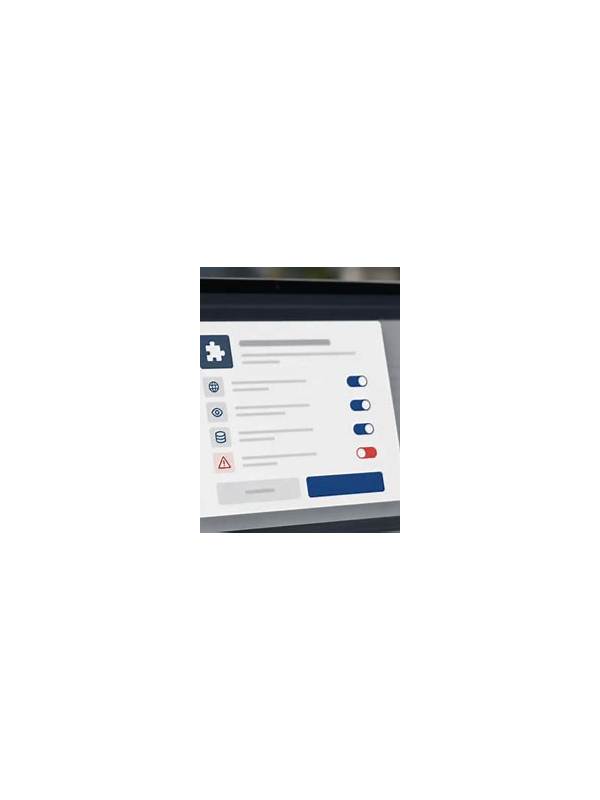
After installation, review permissions again in device settings and remove access the app does not need. Keep the operating system updated, avoid unsolicited payment links, and verify support through an established publisher channel. Convenience is never enough reason to ignore an unexplained request. If the application behaves unexpectedly, stop entering account or payment details and document what you saw. Remove the app through normal device settings, change affected credentials from a trusted device, and contact the verified provider. A promised reward is never worth bypassing a security warning. Treat unexplained permissions or redirects as reasons to pause, not puzzles to solve by taking greater risks.
Before installing any rummy application, check more than its name and screenshots. An app can request access that is unrelated to playing cards, and a copied name can make an unofficial download look familiar. A short safety review protects both your device and your account.
Start with the source. Prefer an official store listing or a verified publisher page, and compare the developer name, support address, privacy policy, and update history. Be cautious with files delivered through chat messages, pop-ups, or shortened links. If the publisher cannot be independently identified, do not install the file merely because it promises a bonus or urgent access.
Read permissions before accepting. A game may reasonably need network access and notifications, depending on its features. Requests for contacts, microphone, camera, precise location, or access to unrelated files deserve a clear explanation. Permissions can change by operating system and version, so review the current prompt rather than relying on an old screenshot.
Check account practices too. Use a unique password, enable available security controls, and avoid entering payment information into a page opened from an unsolicited message. Official support should not ask for your password, one-time code, or remote control of your device. Verify support details through the publisher’s established channel.
After installation, review permissions again in device settings and remove access the app does not need. Keep the operating system updated and uninstall software that behaves unexpectedly, displays unexplained overlays, or repeatedly redirects you to unfamiliar payment pages. Save transaction records separately so you can identify a problem quickly.
Safety checks are especially important when an app involves real-money play. Confirm age rules, local legal requirements, withdrawal conditions, and responsible-play tools before depositing. If any of those details are unclear, postpone installation or play. Convenience is never a sufficient reason to ignore a warning sign.
Related Post

Rummy How-To: Build a Card Route With Checkpoints
Plan a rummy hand as a sequence of checkpoints instead of one fragile final layout. [...]
Rummy Safety: Make a Session Exit Plan Before You Start
An exit plan protects time, attention, and spending boundaries during recreational rummy sessions. [...]